Faraday tour
What Faraday does, stop by stop, with the screens it shows.
Stop 1 of 11
What Faraday is
Faraday holds Bitcoin keys and signs transactions another program built. It starts from a USB stick and runs from memory, with no network and no access to the computer's disks.
A watch-only wallet such as Sparrow shows balances and builds transactions; they pass by QR code or on a stick. At power off nothing is kept but what you wrote to a stick or on paper.
Stop 2 of 11
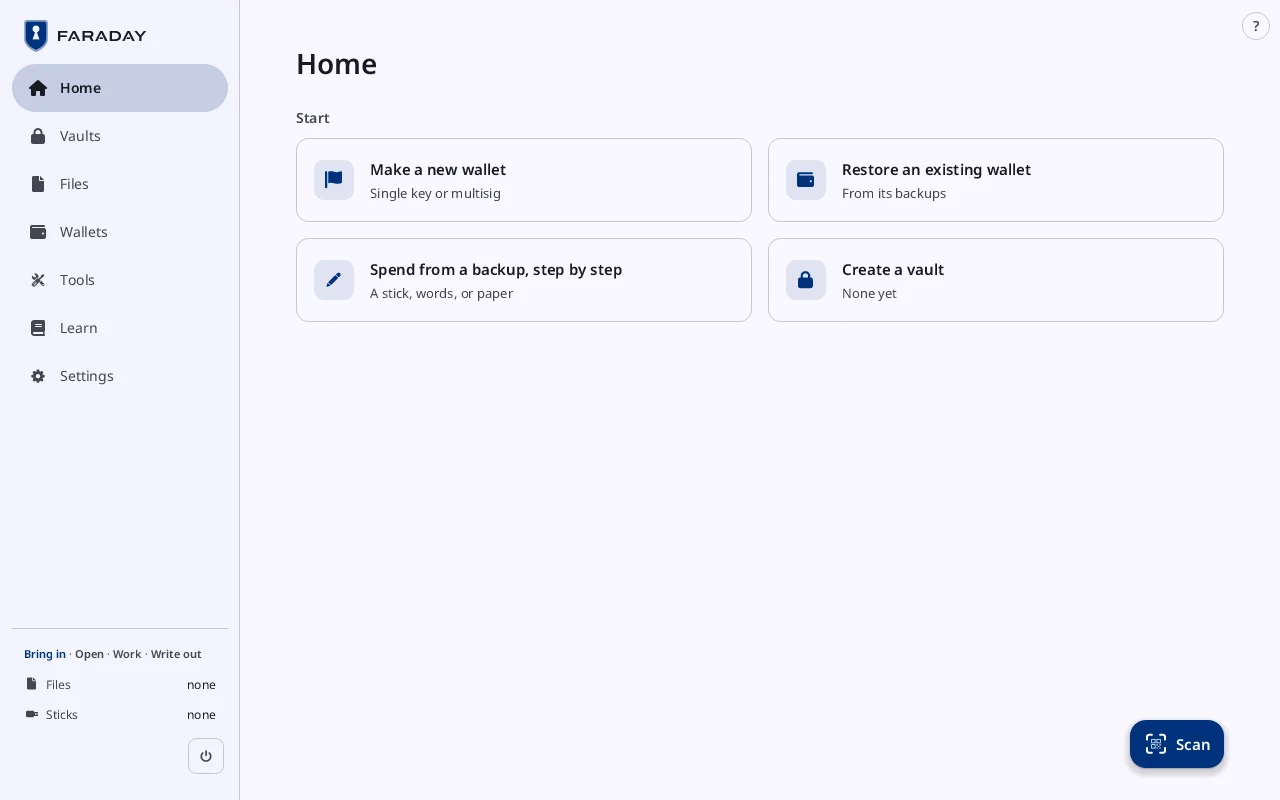
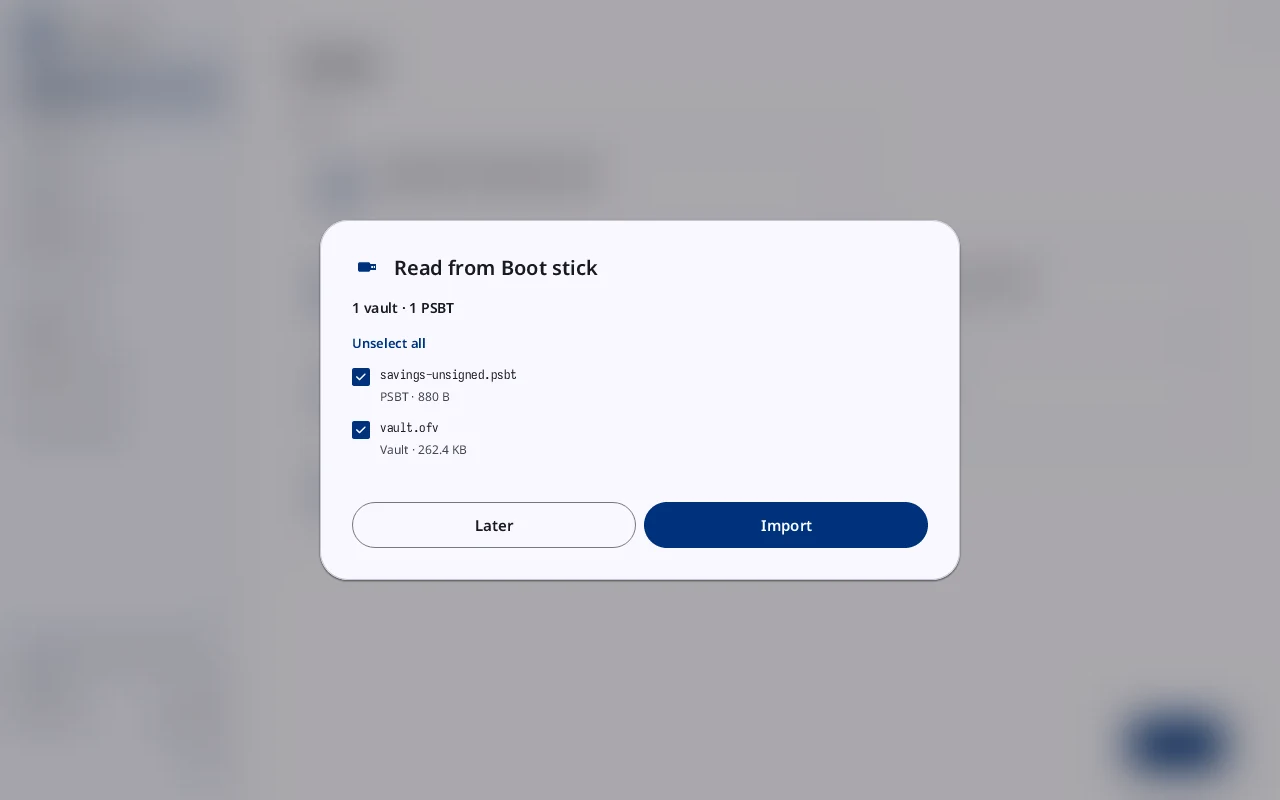
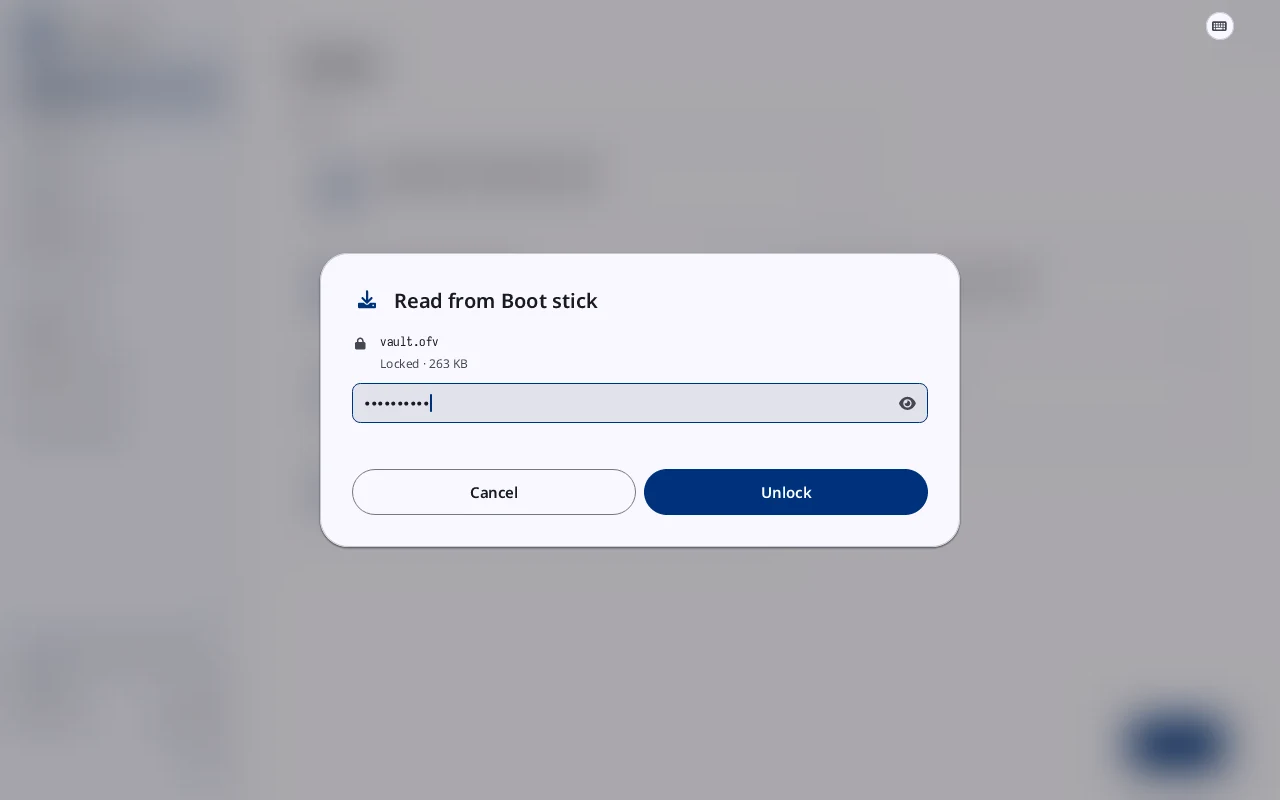
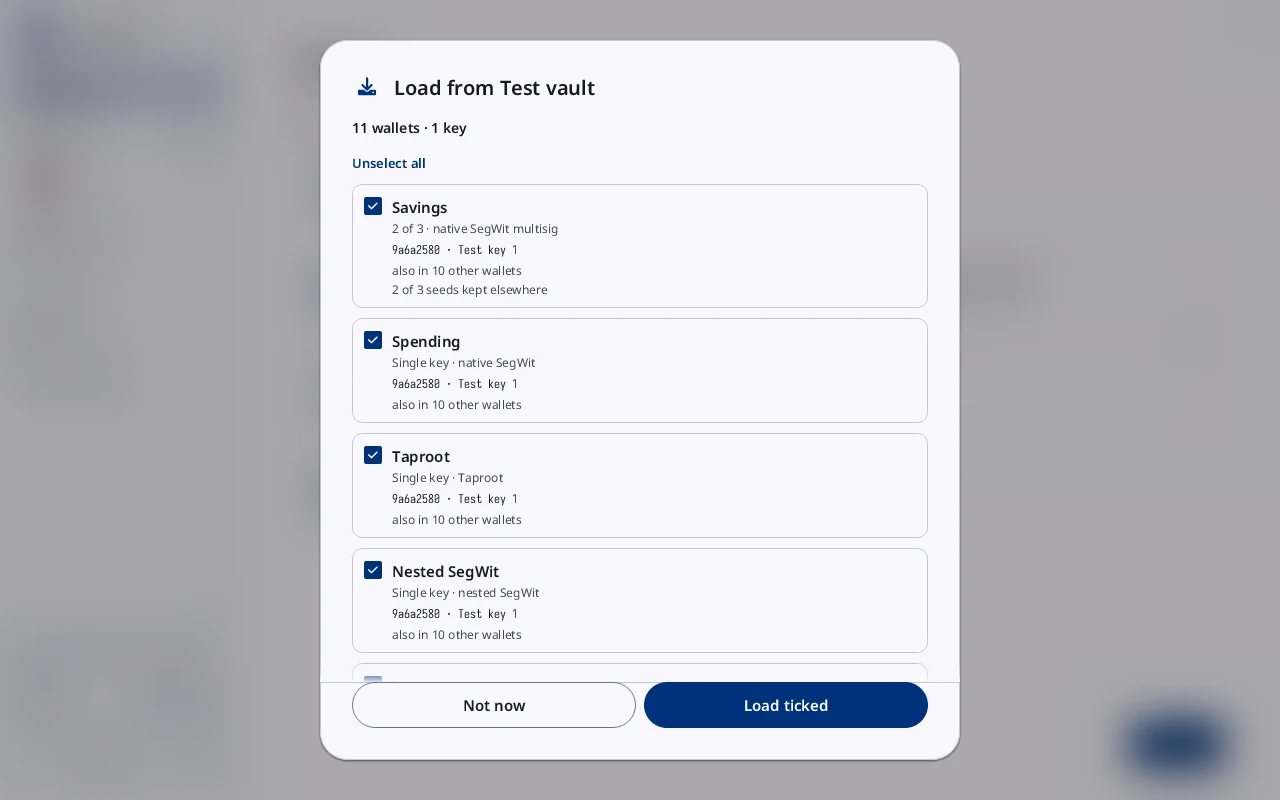
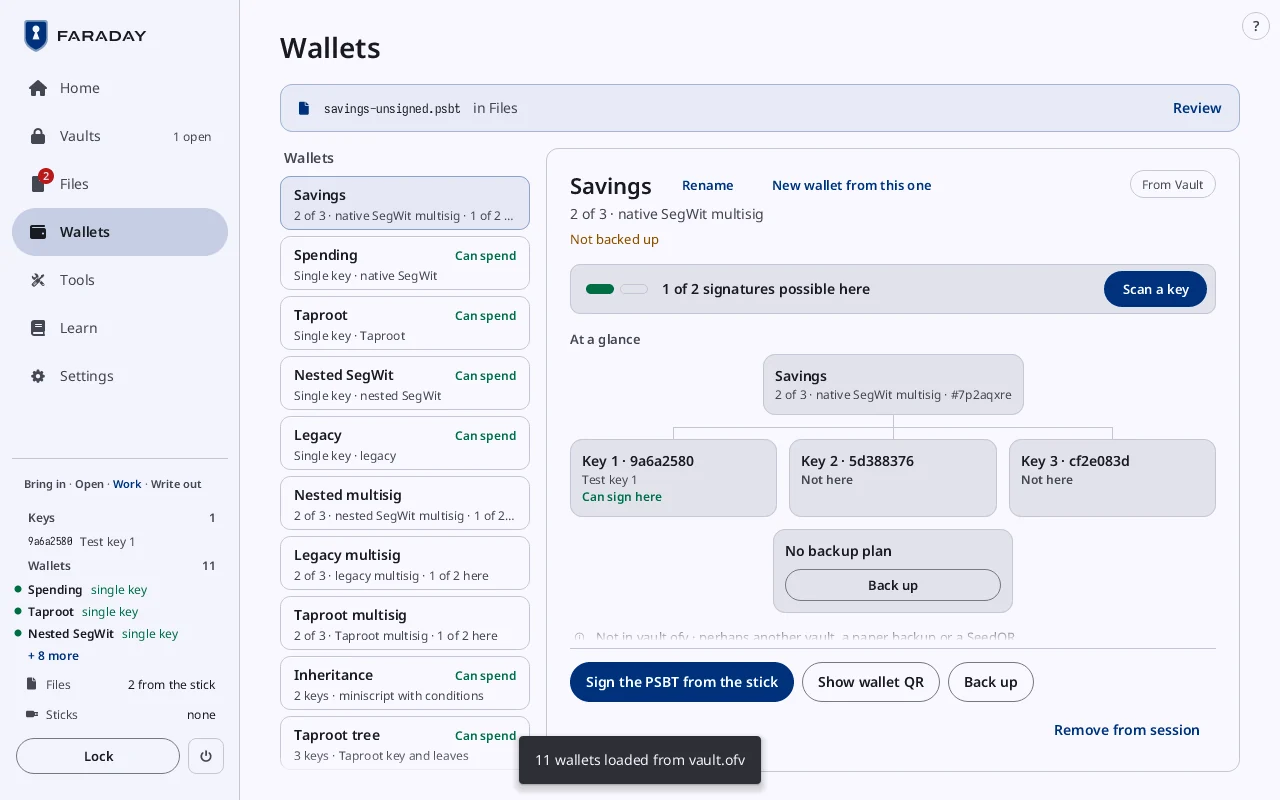
Start with your stick: the vault loads itself
Power on with the stick in. Faraday reads it, you type the vault's passphrase and choose what to load. The wallets and keys are ready to sign.
Stop 3 of 11
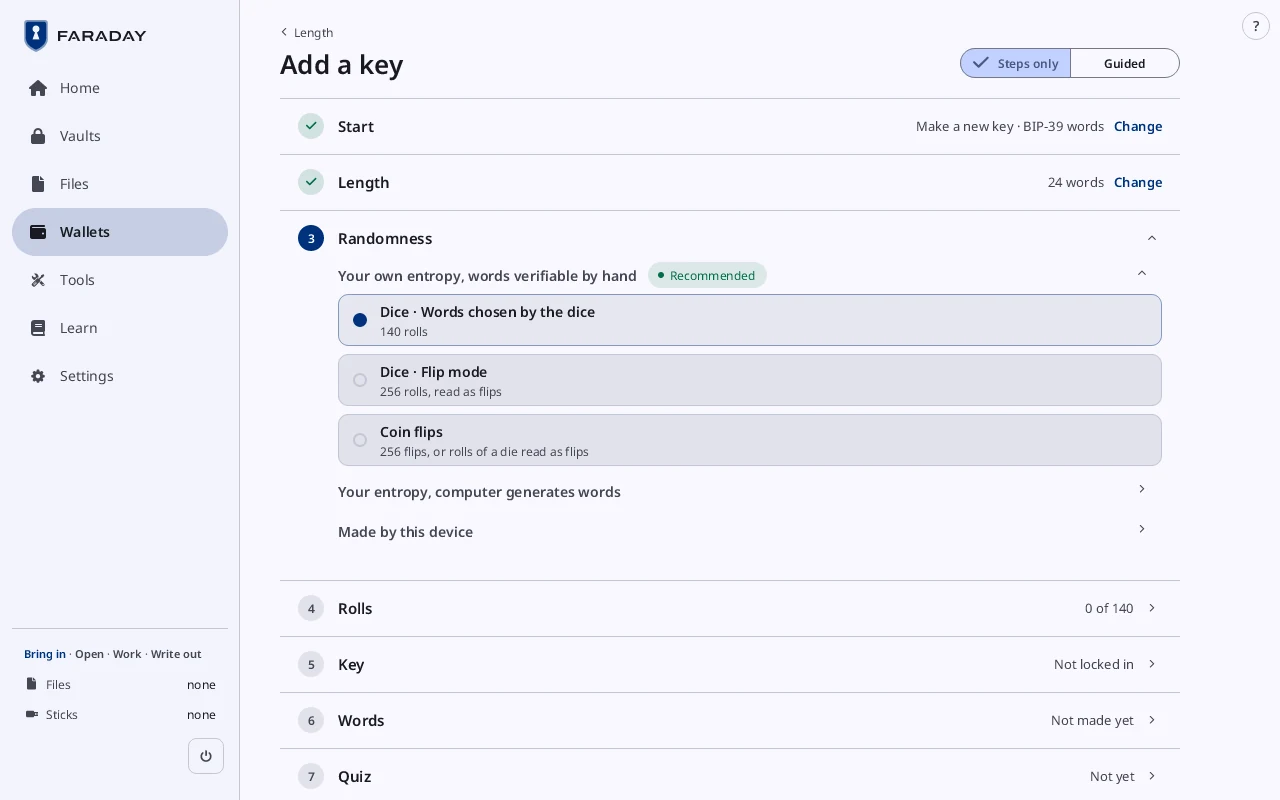
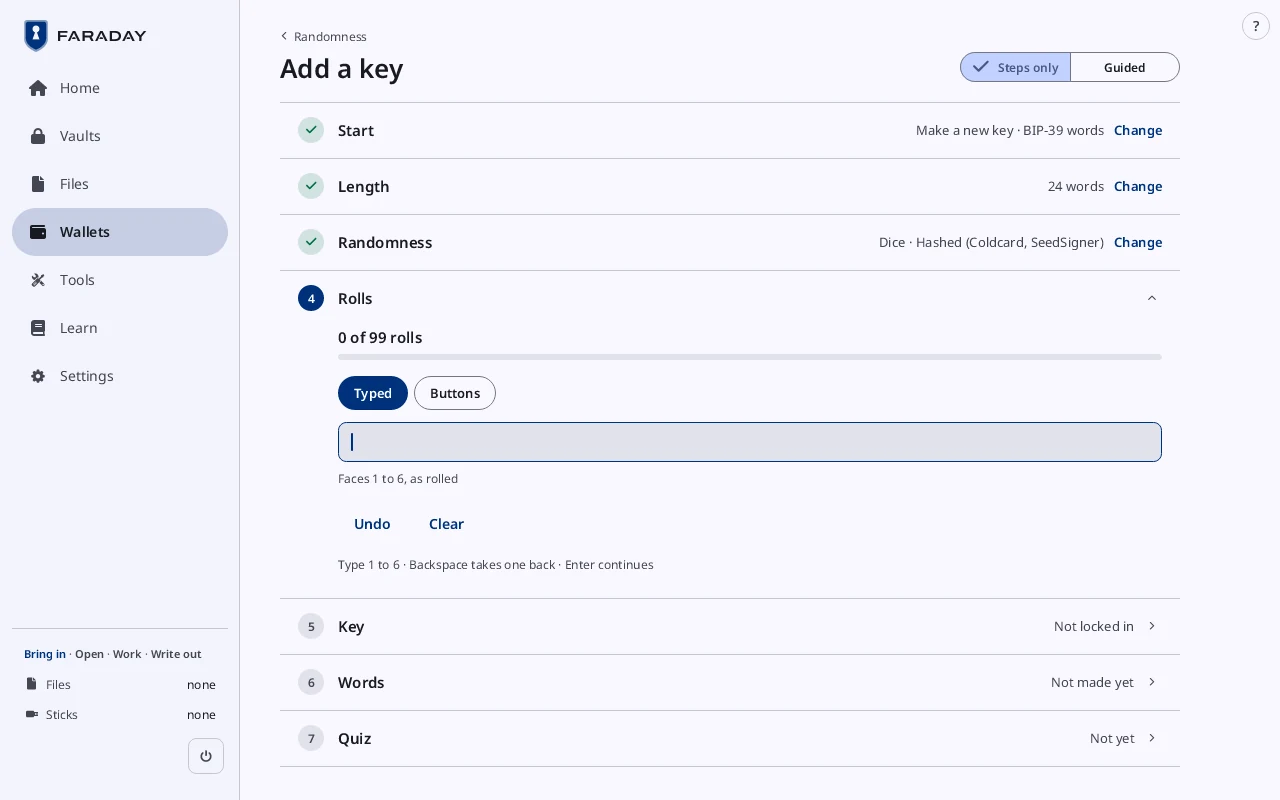
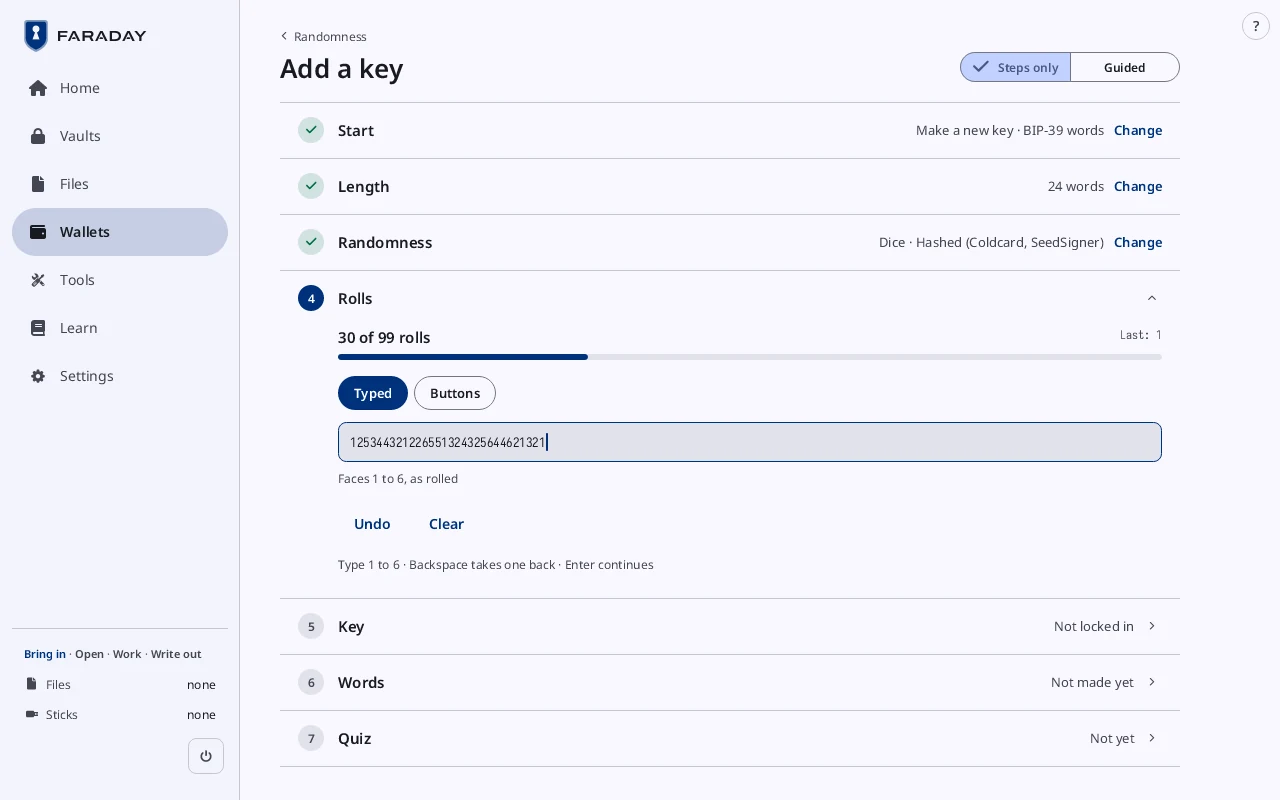
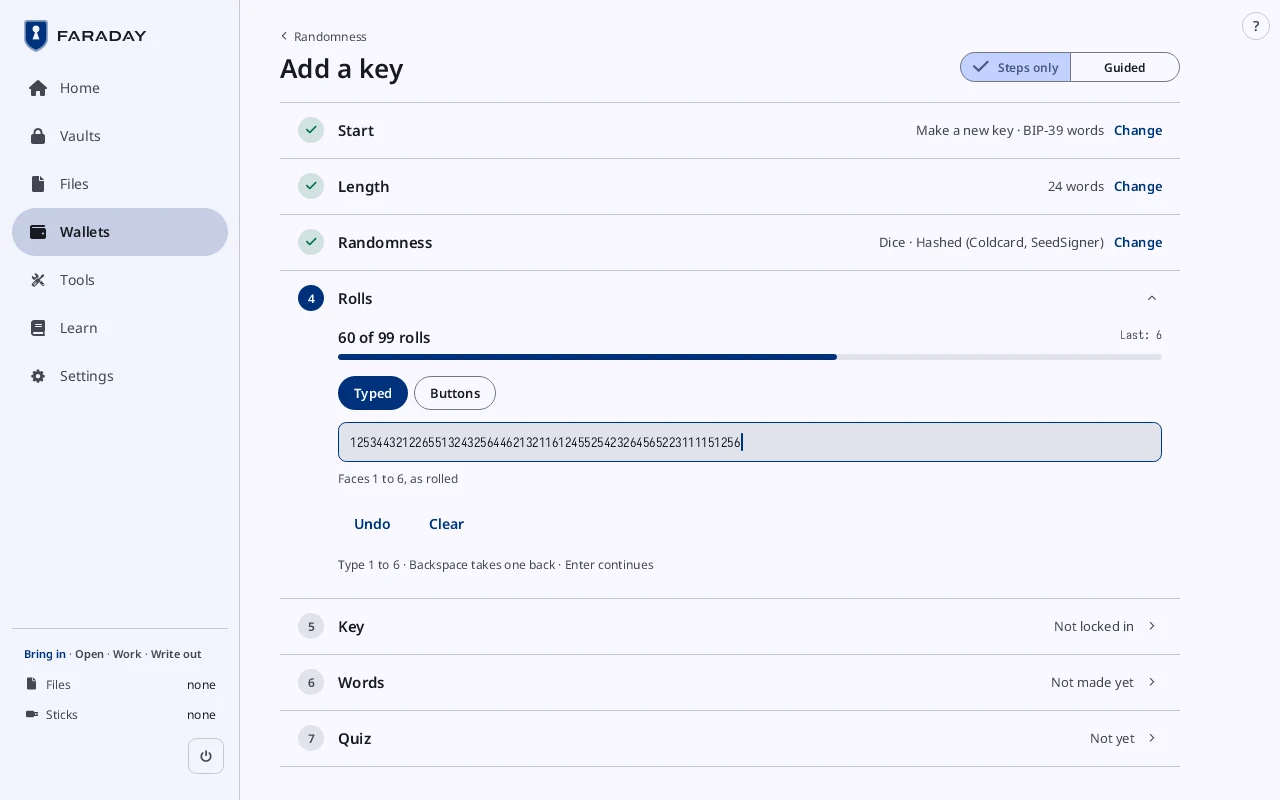
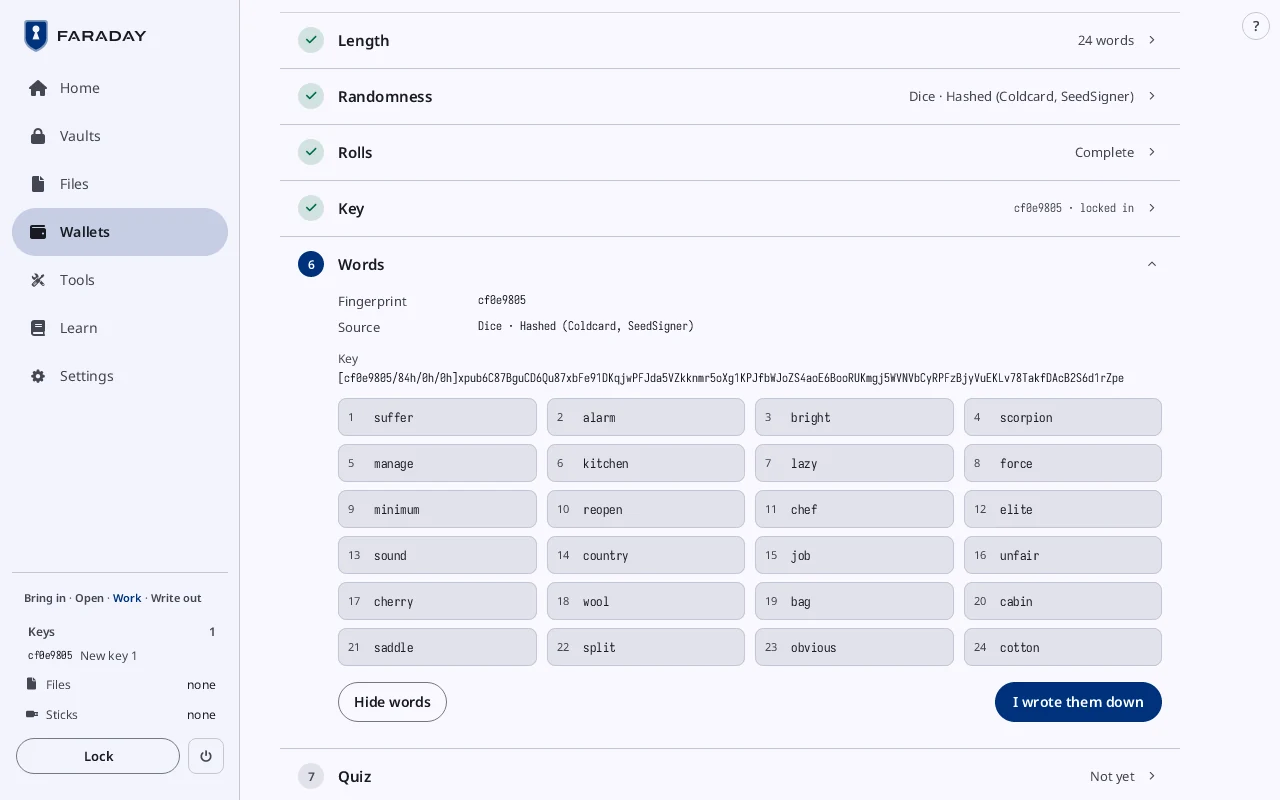
A new key from dice
Choose the randomness. Type the rolls; the words come from them. Write the words down. The guide covers the counts check and the quiz that checks your copy.
Other ways to a key: type words, scan a SeedQR, codex32, SLIP-39, Seed XOR.
Stop 4 of 11
Scan a key, SeedSigner-style
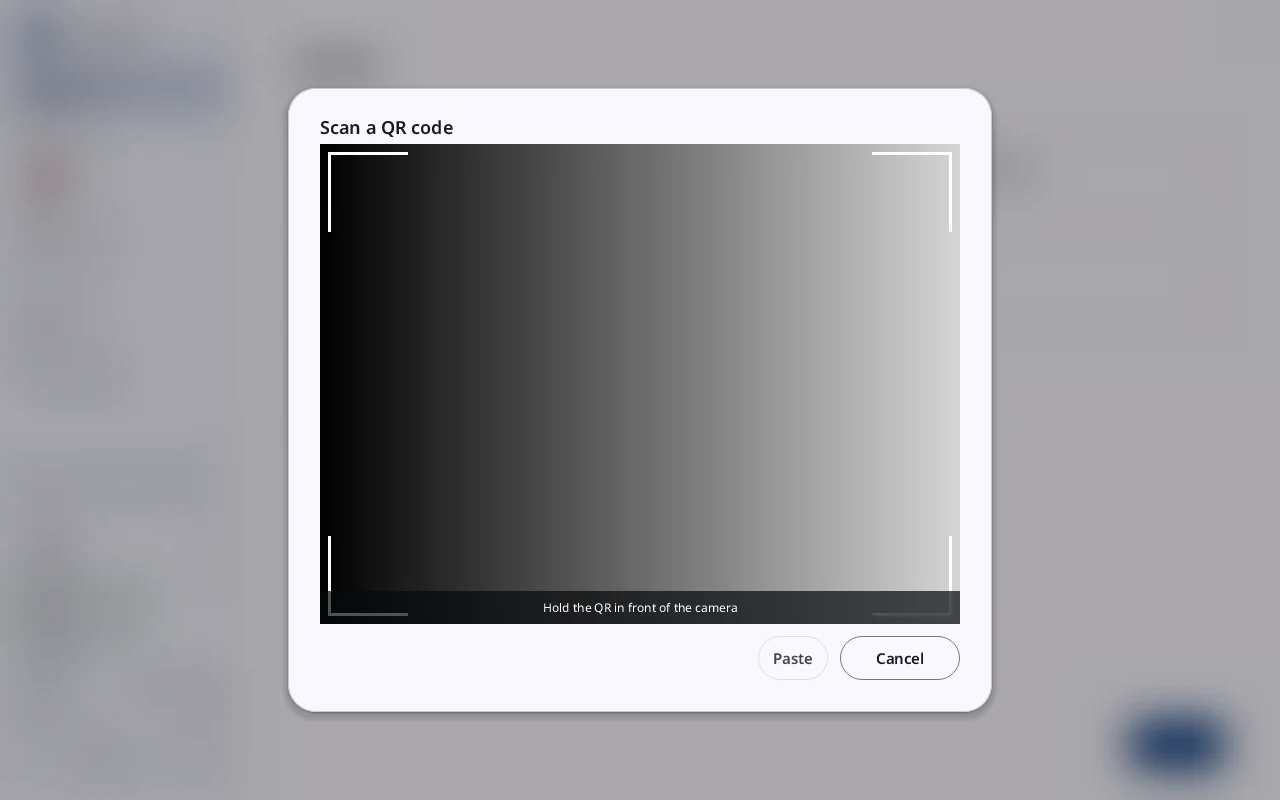
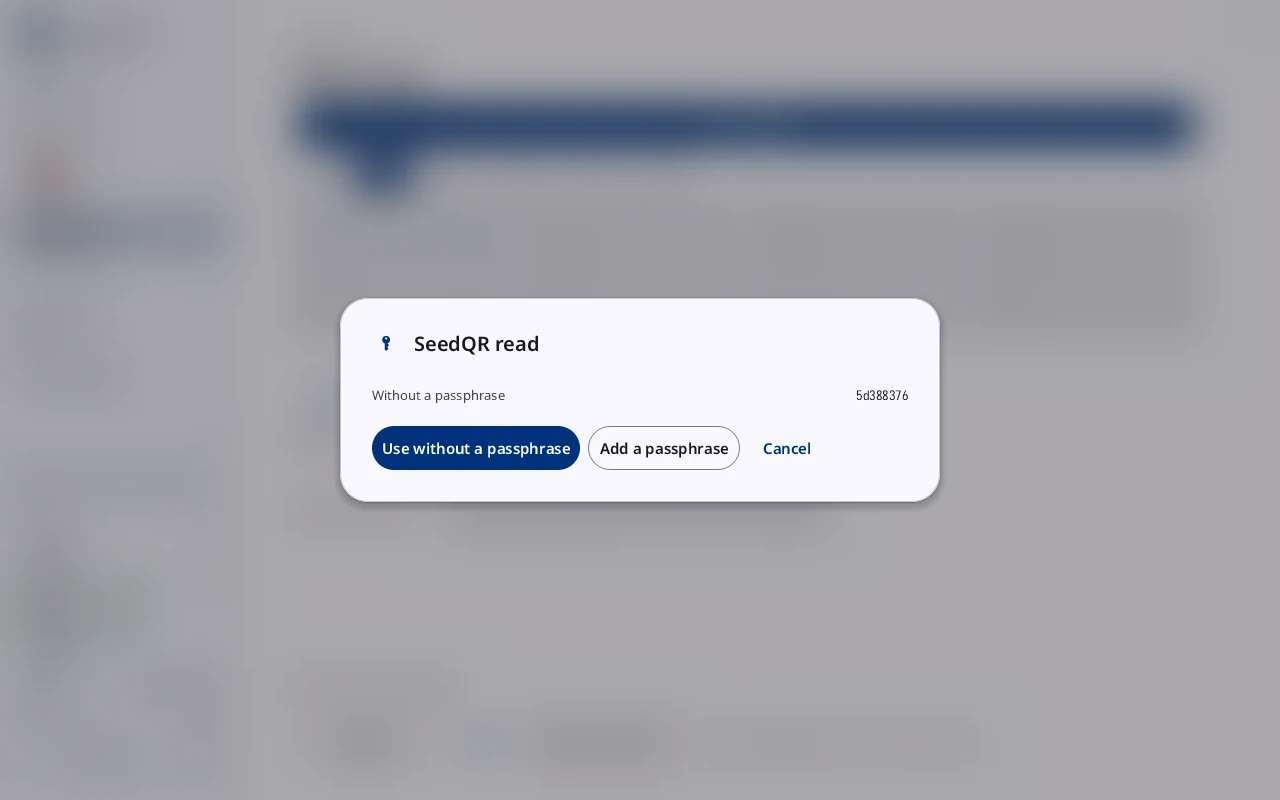
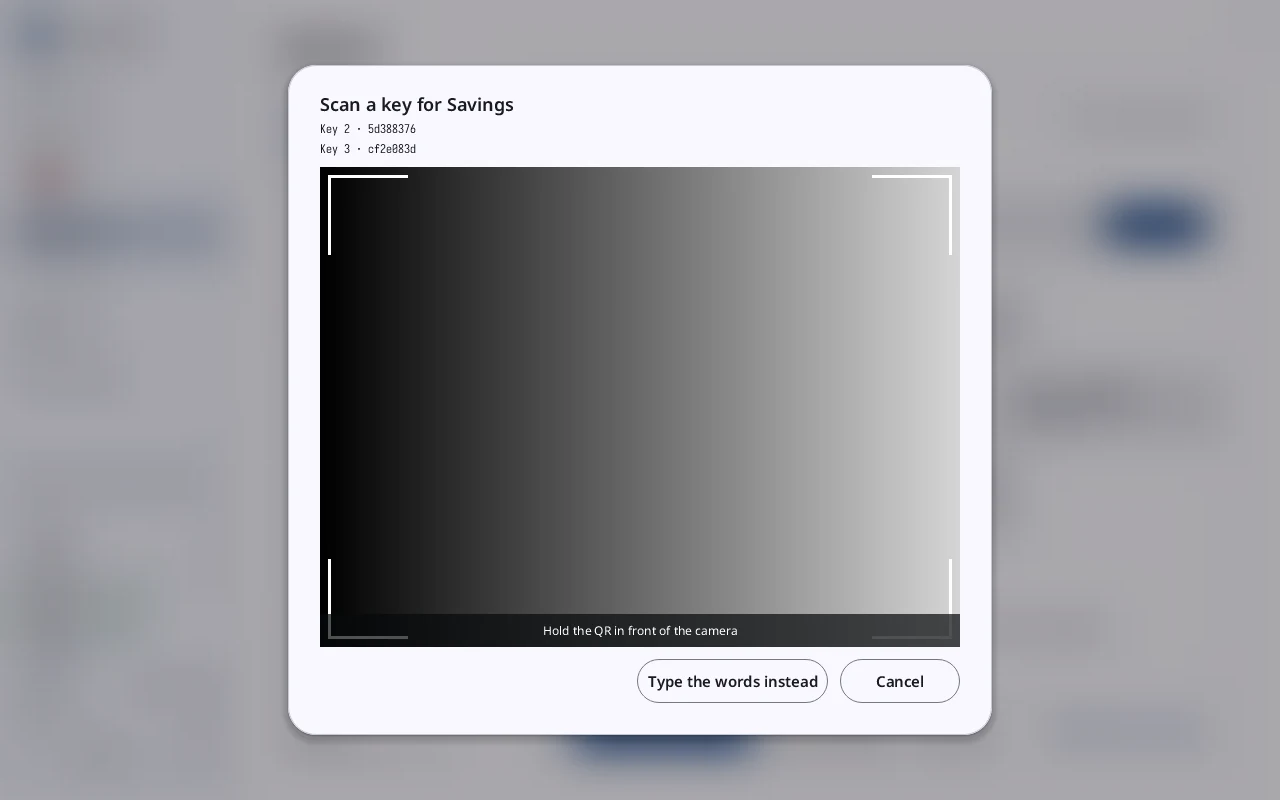
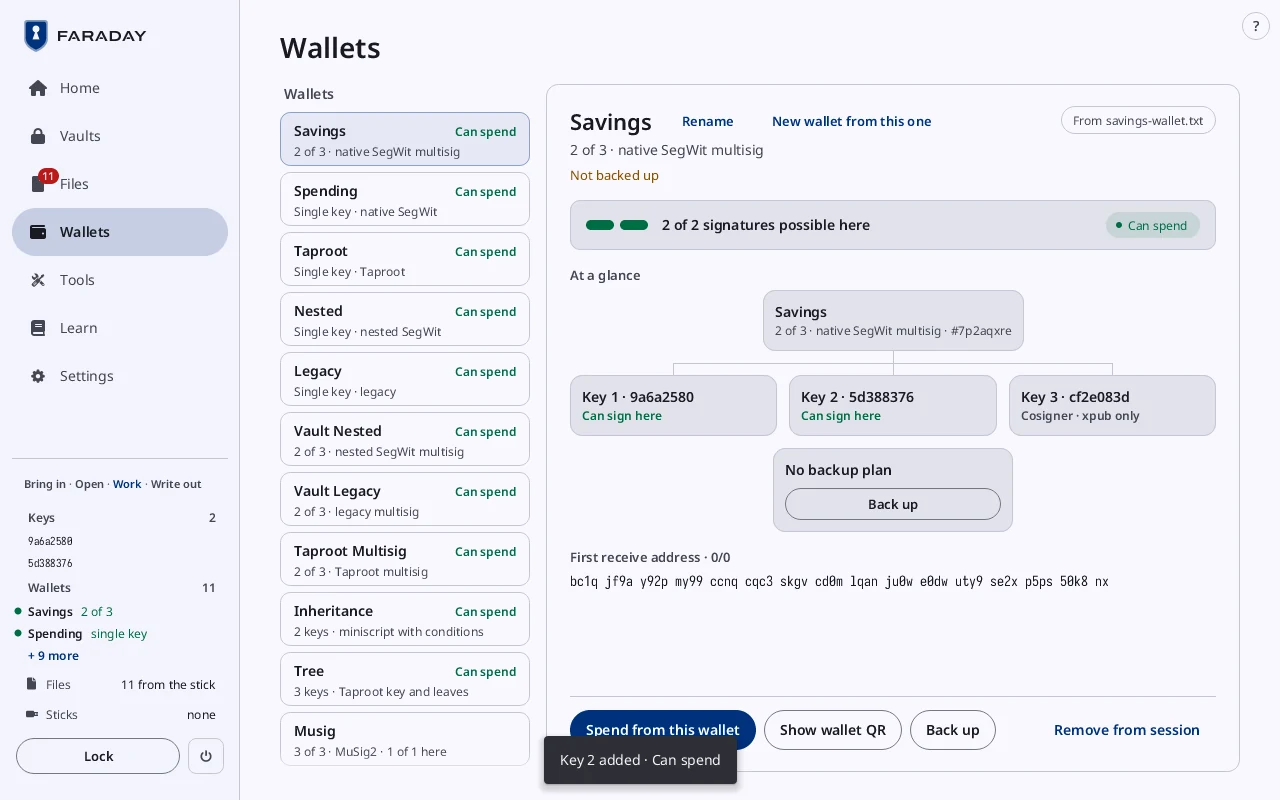
Show a SeedQR to the camera. Scan reads it, asks about a passphrase and adds the key. A wallet short of a key offers Scan a key on its card until it reads Can spend.
Stop 5 of 11
A wallet
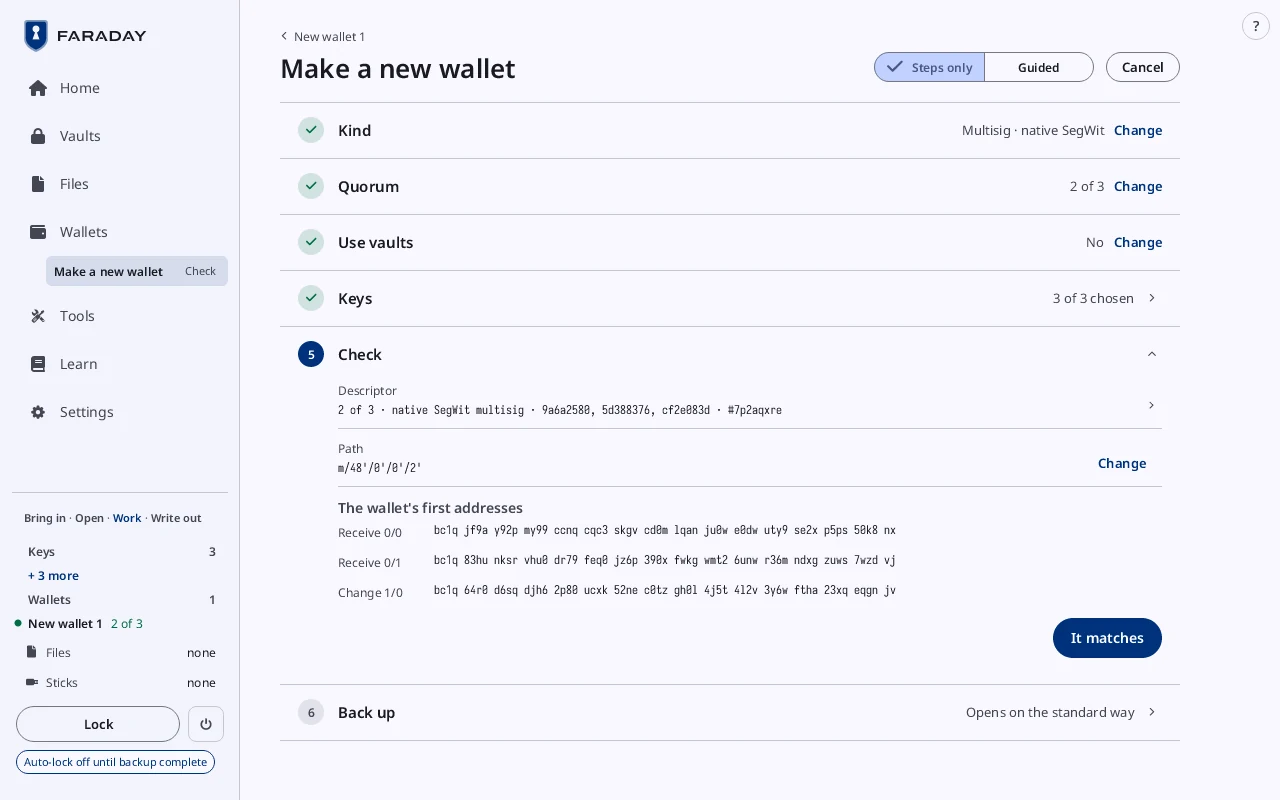
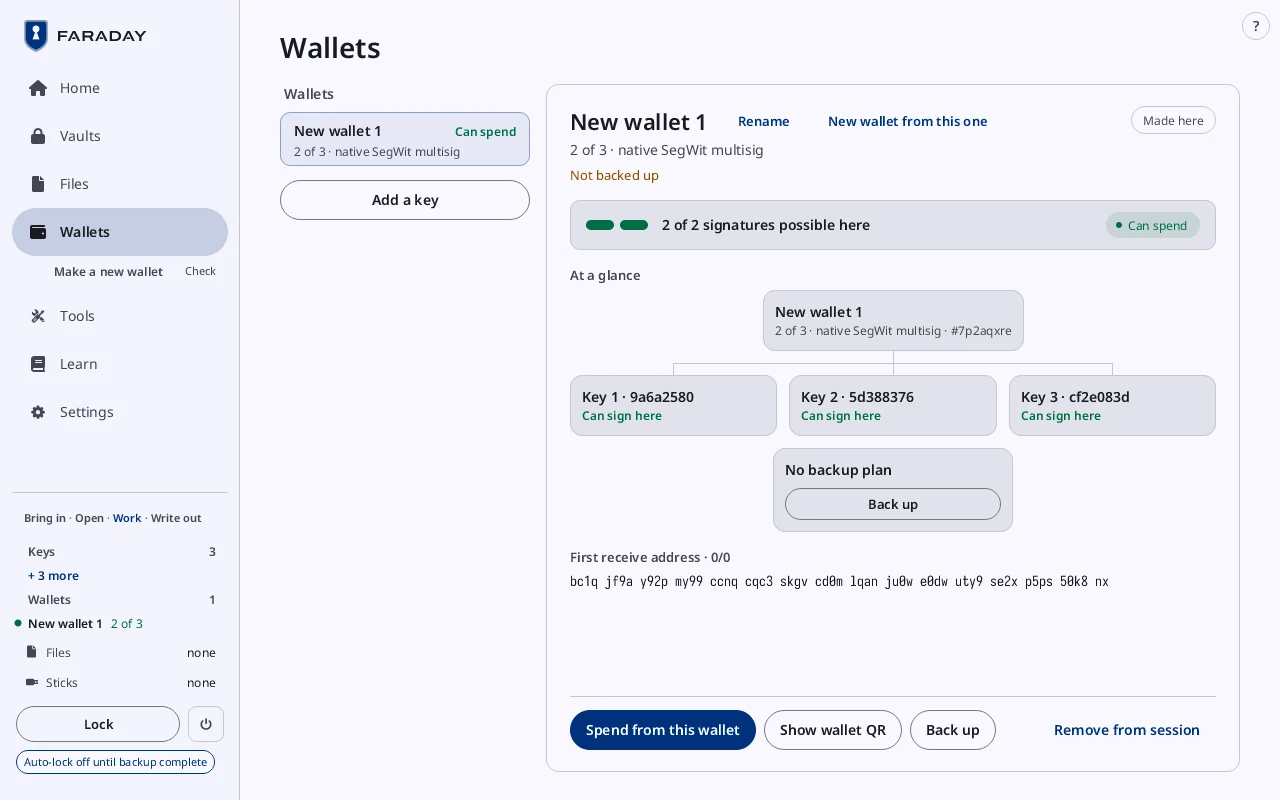
Choose the kind, the quorum and the keys; the guide covers each. Check shows the descriptor and the path. The wallet card shows each key's state and the backup.
Stop 6 of 11
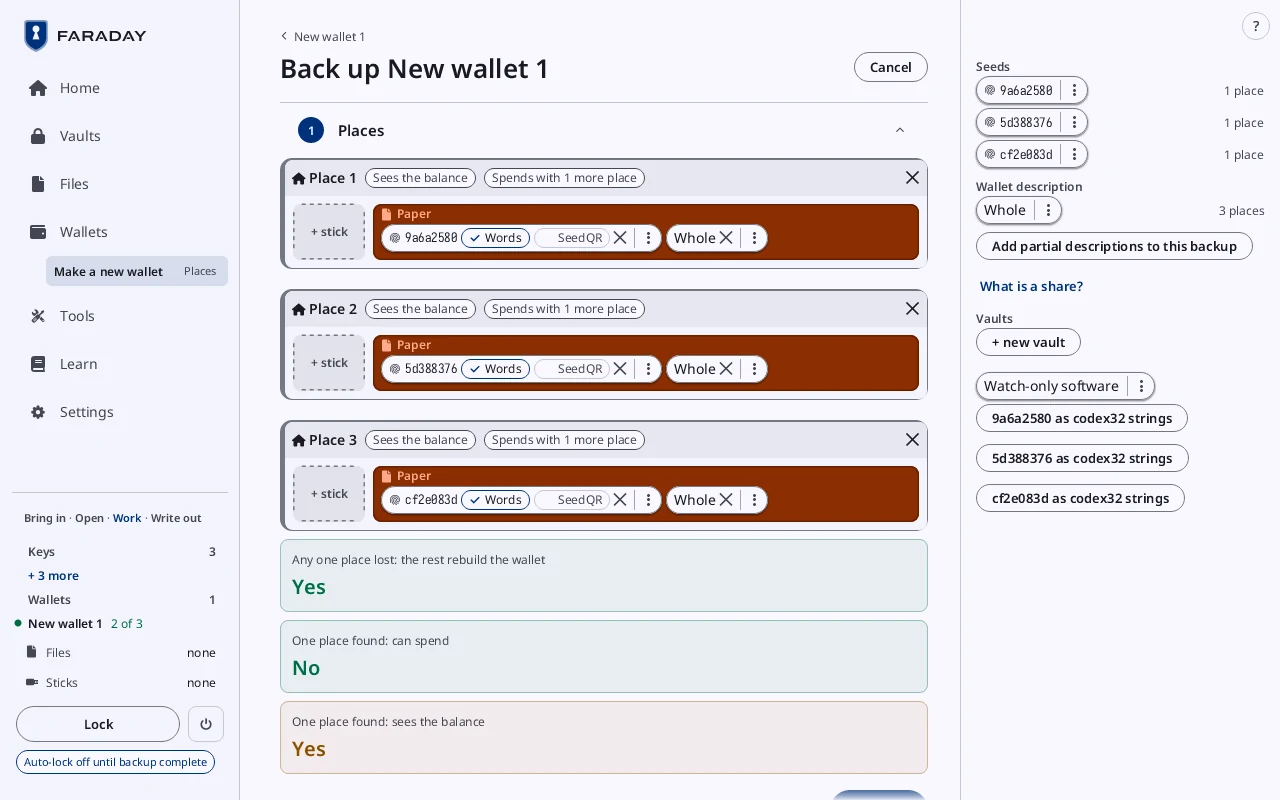
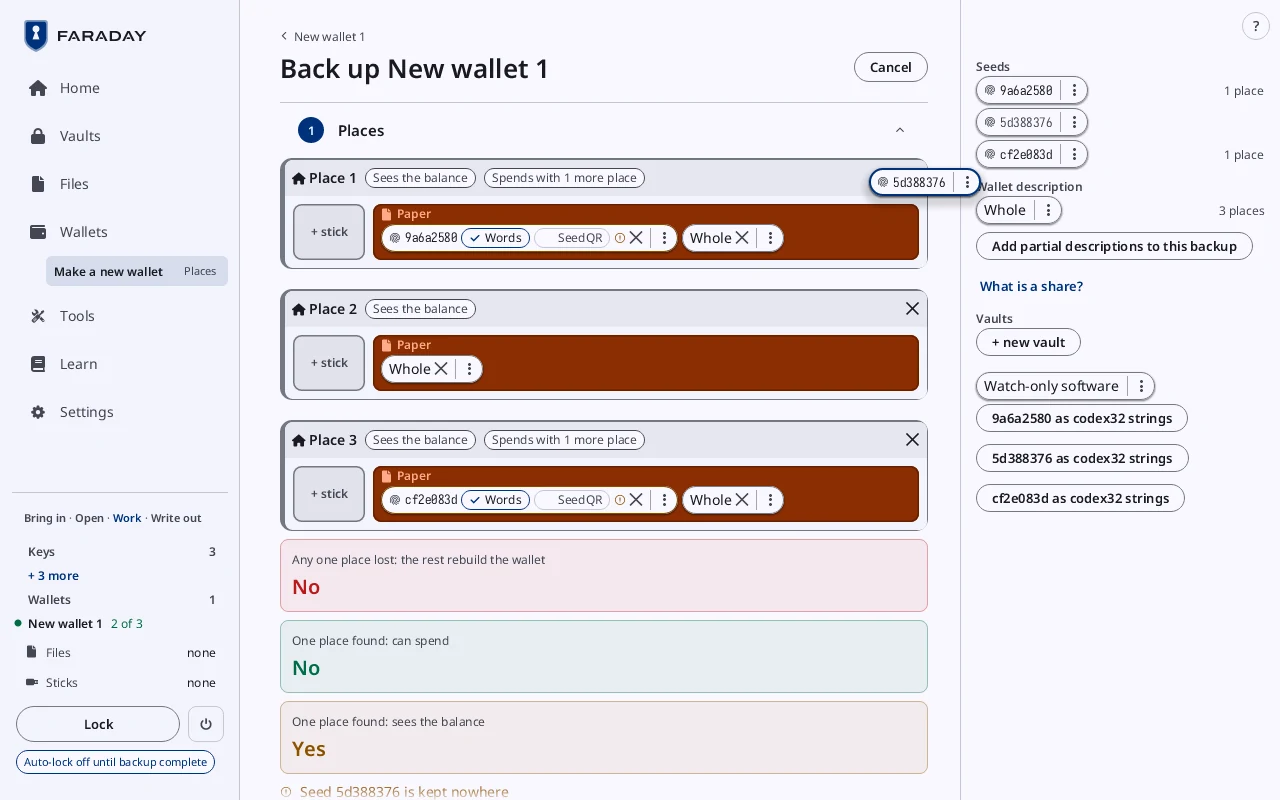
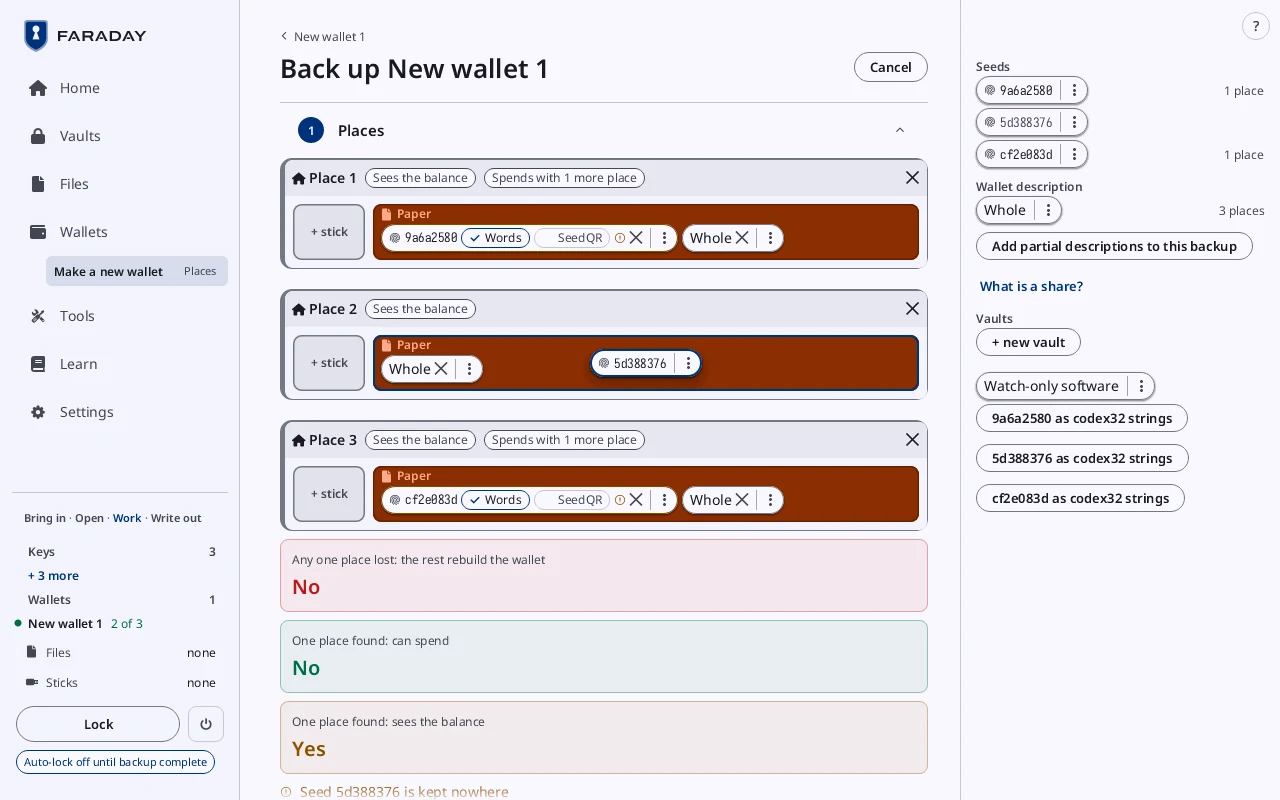
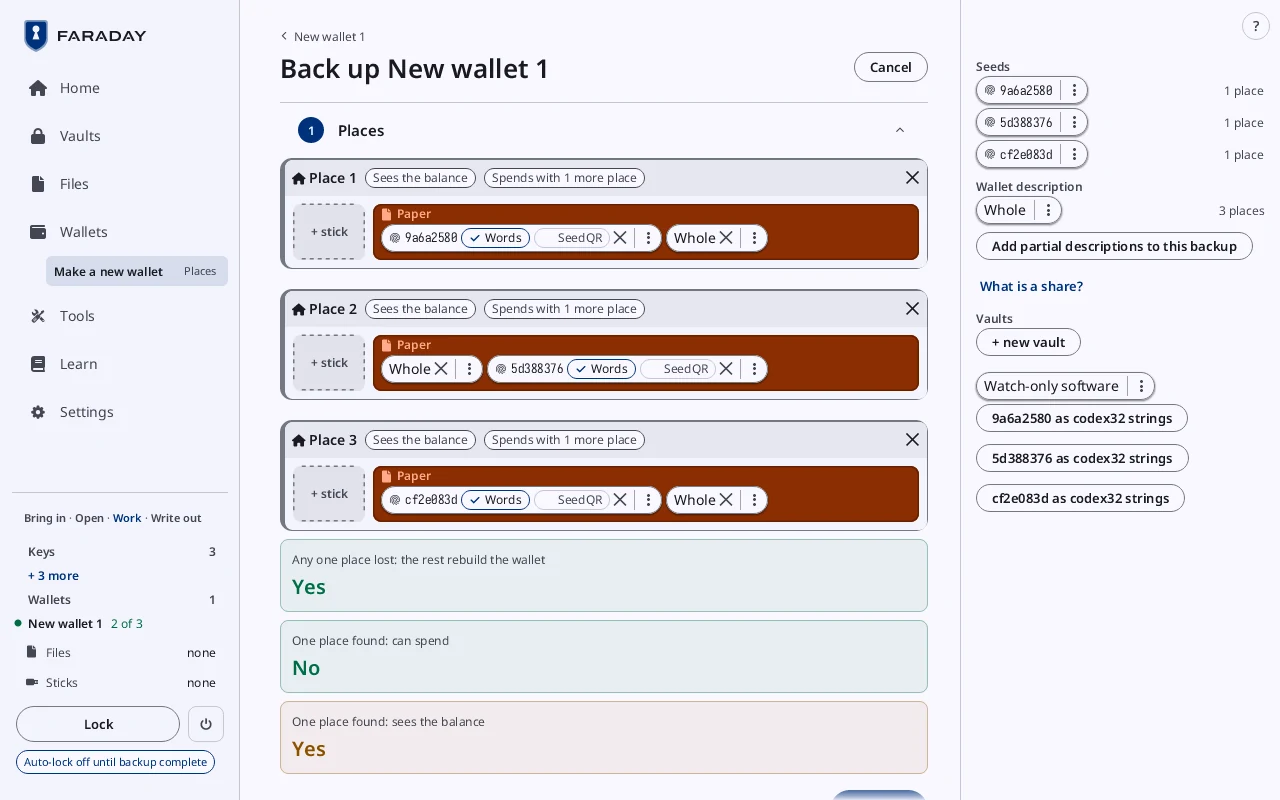
The backup board
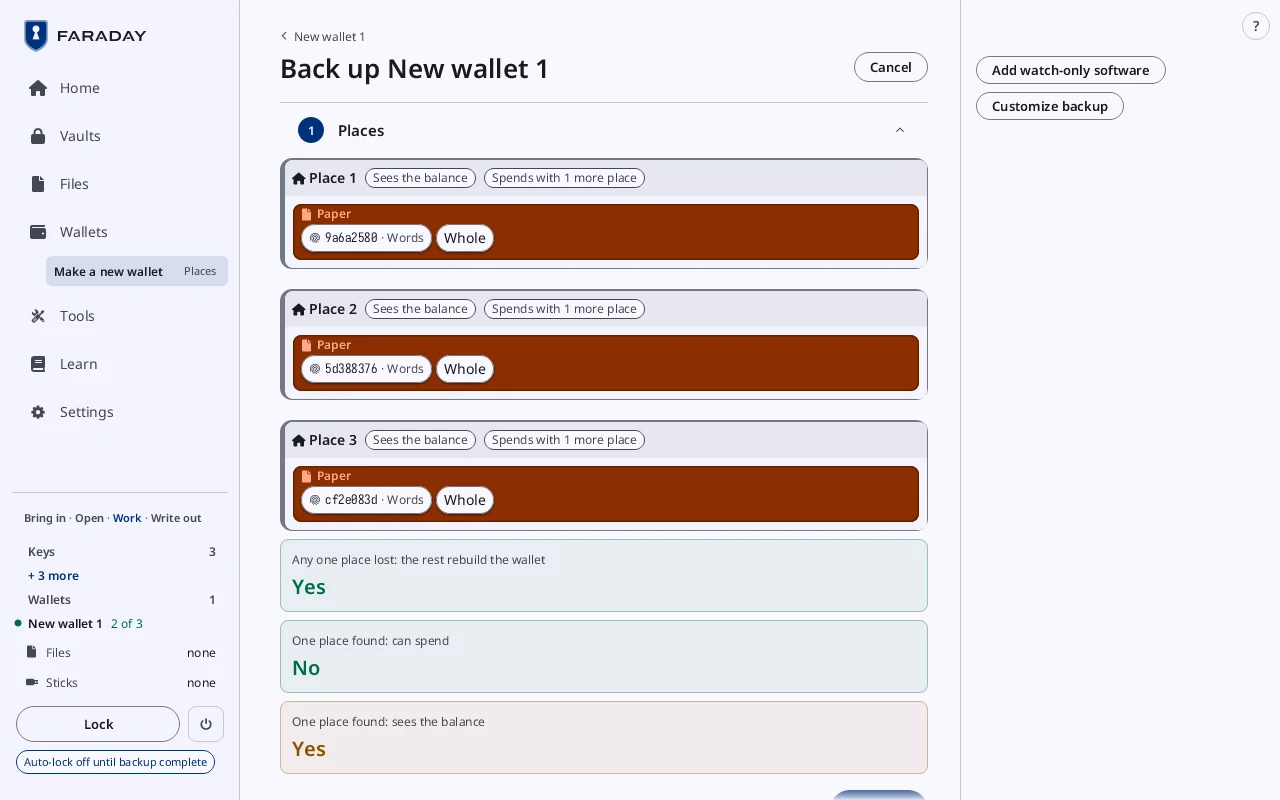
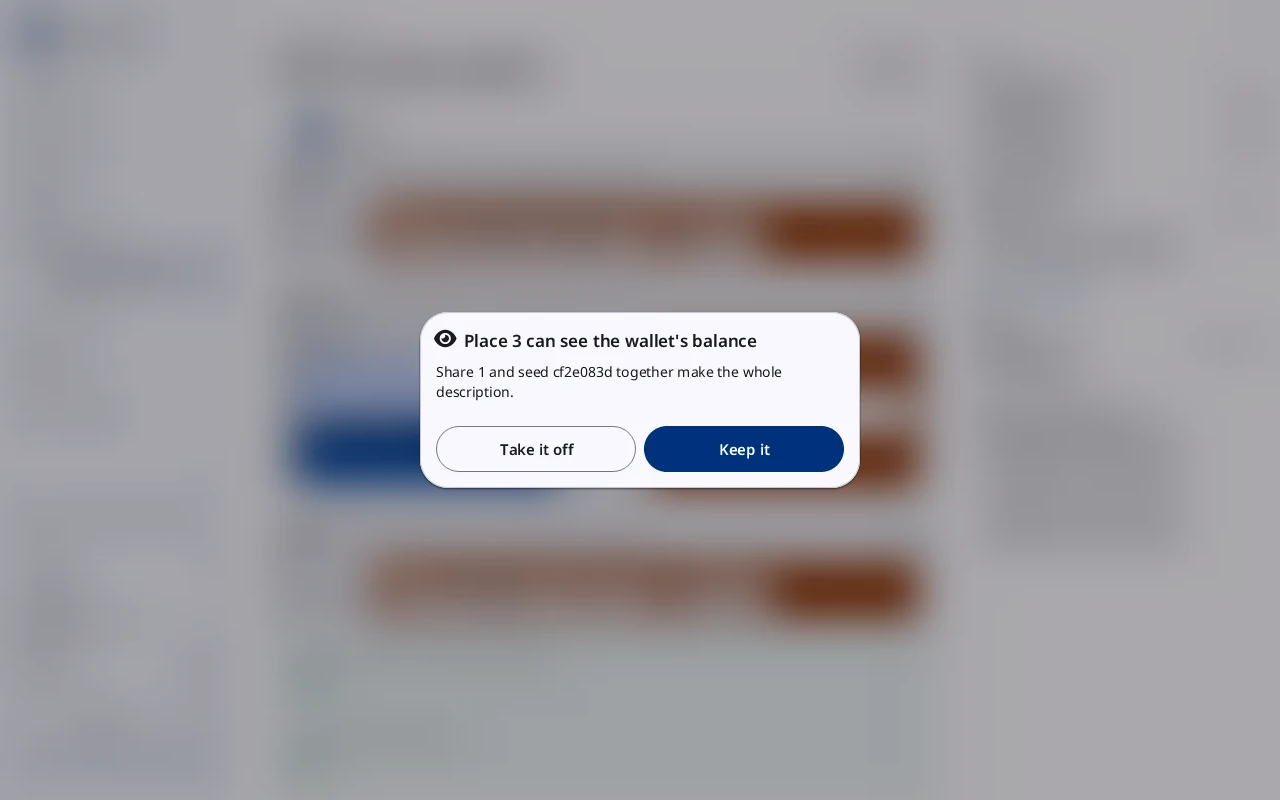
The standard way puts each seed on paper at its own place, with the wallet description. Three lines say what losing or finding one place means.
Customize backup opens seeds, passphrases, the description whole or in parts, vaults, watch-only software and sticks. Drag an item into a place. Faraday warns; it never refuses. The guide covers the ⋮ menu and SeedQR.
Stop 7 of 11
The checklist and the sticks
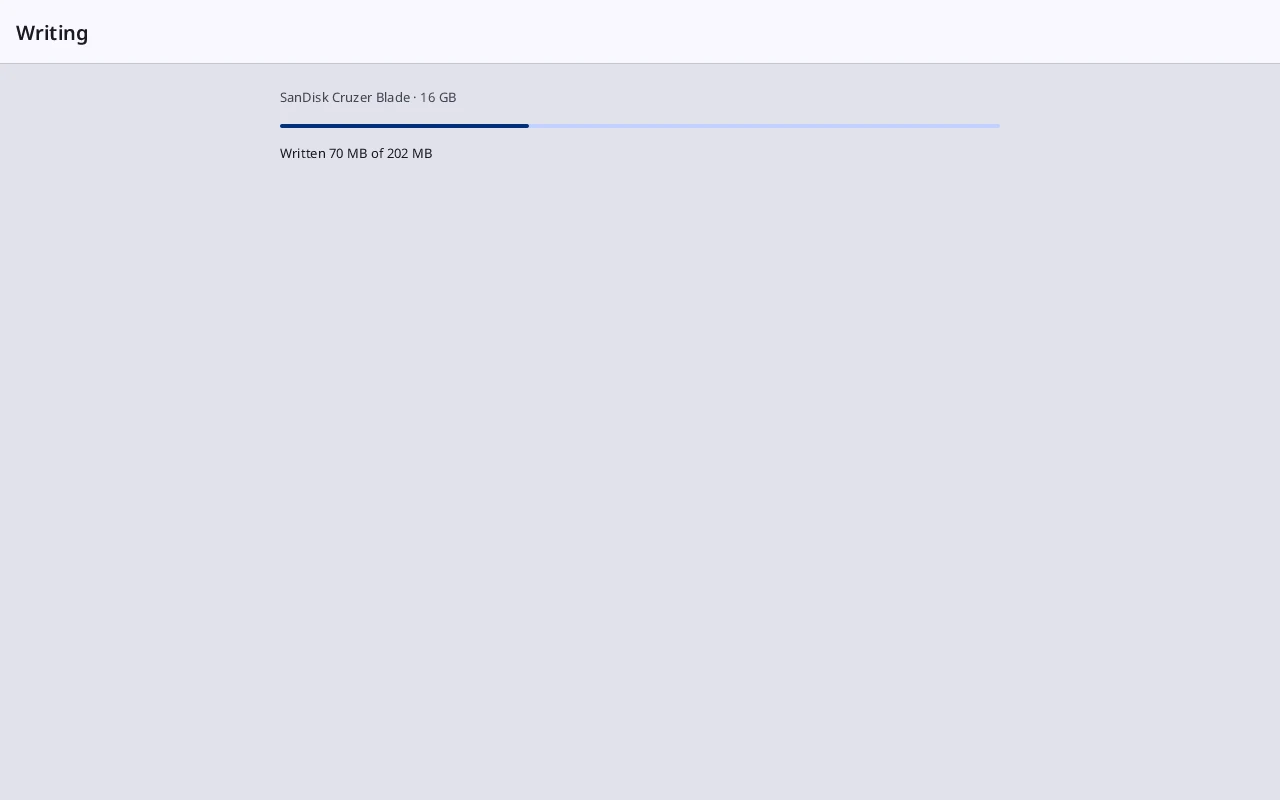
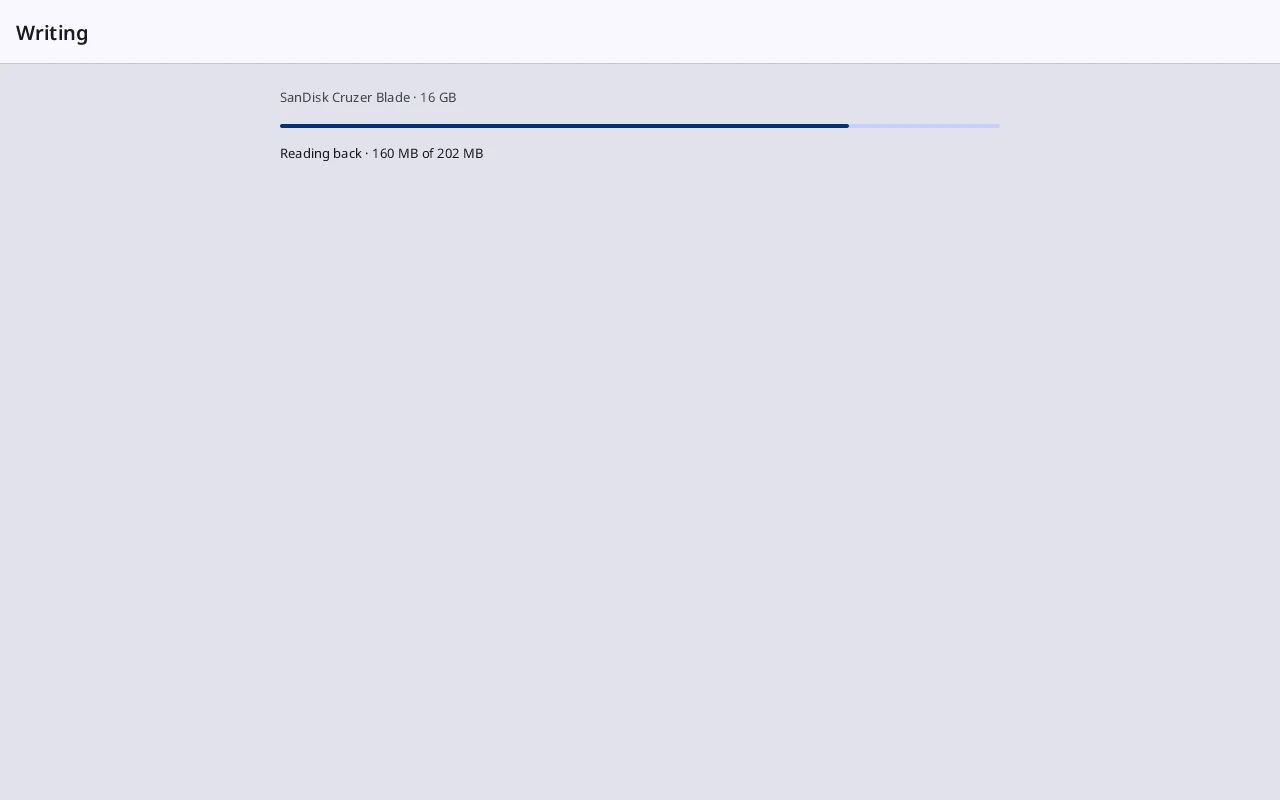
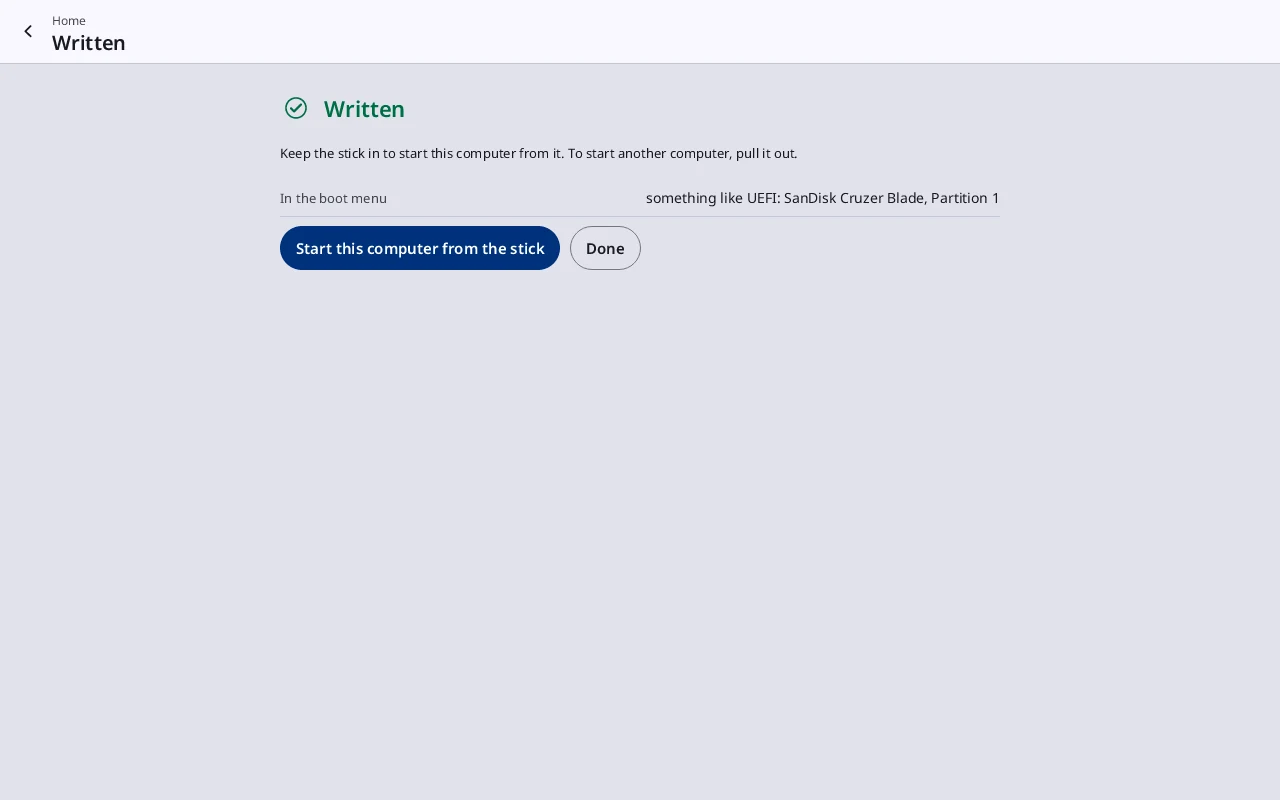
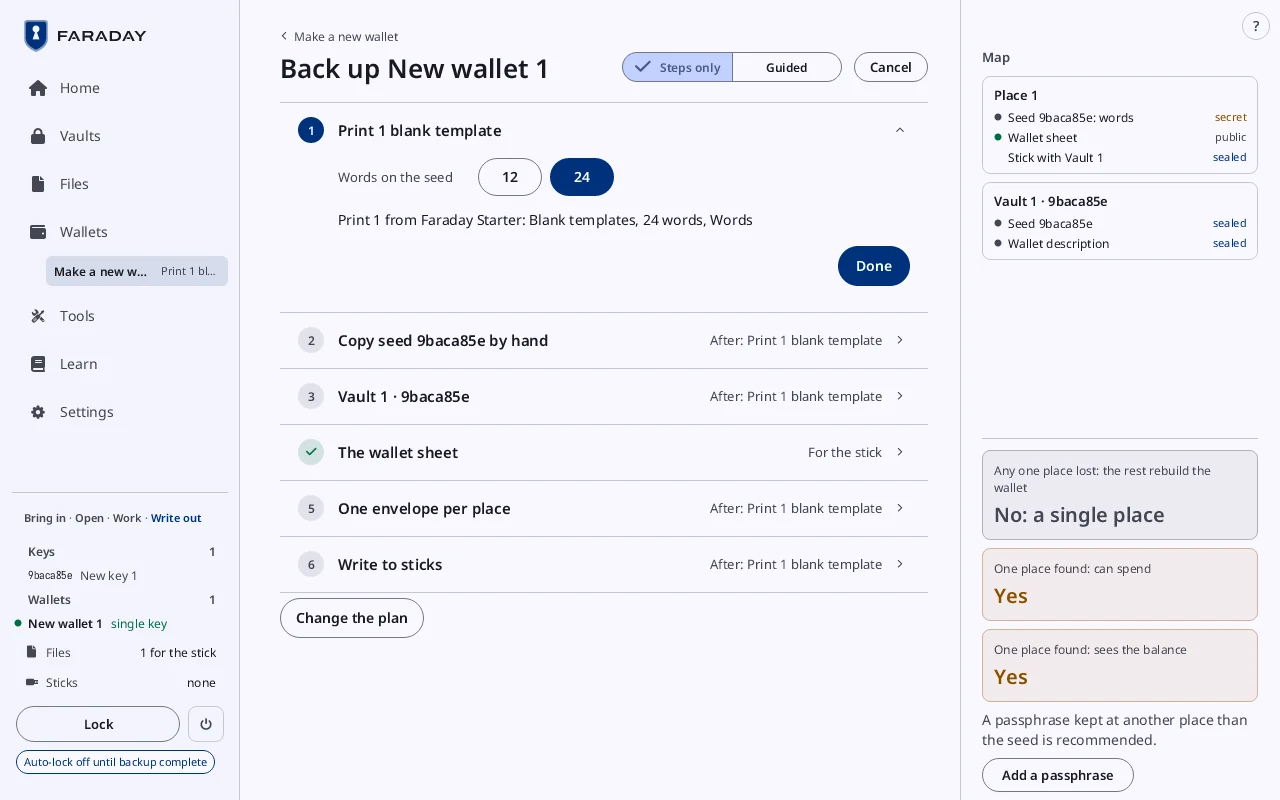
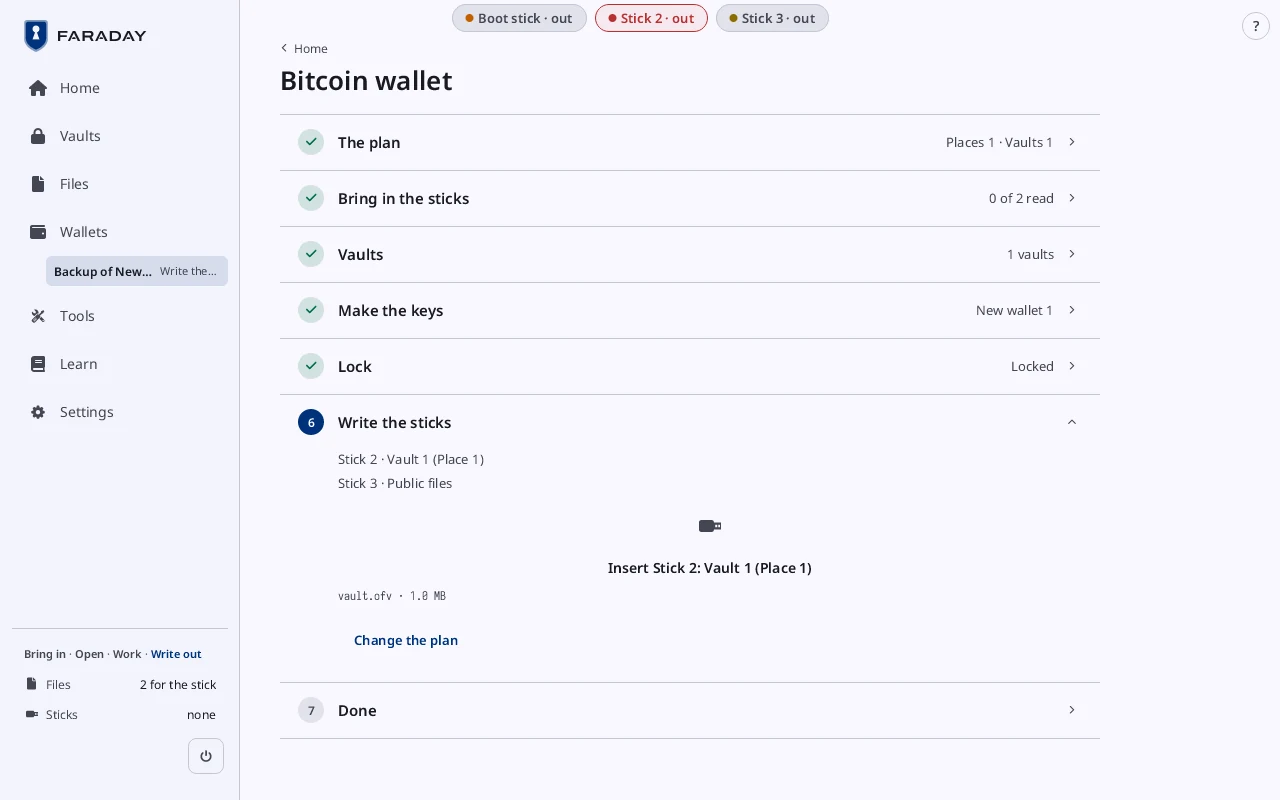
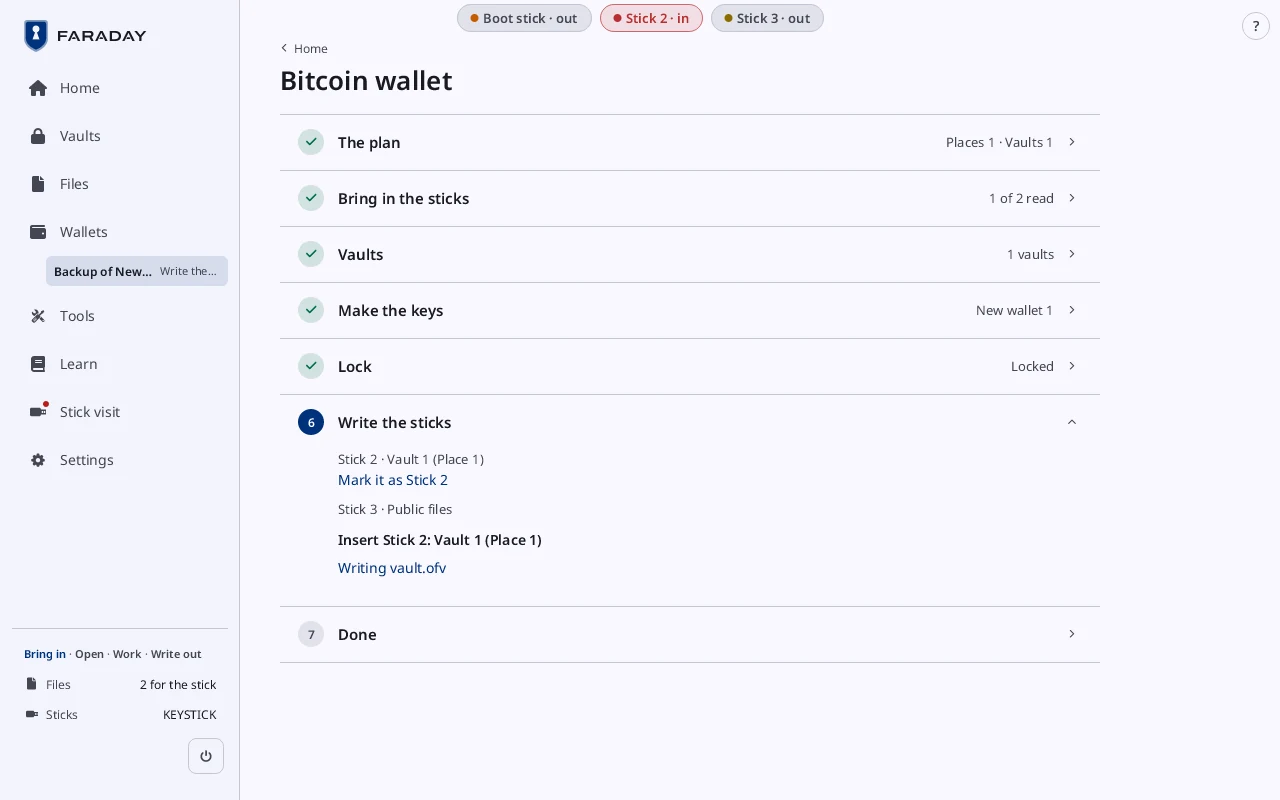
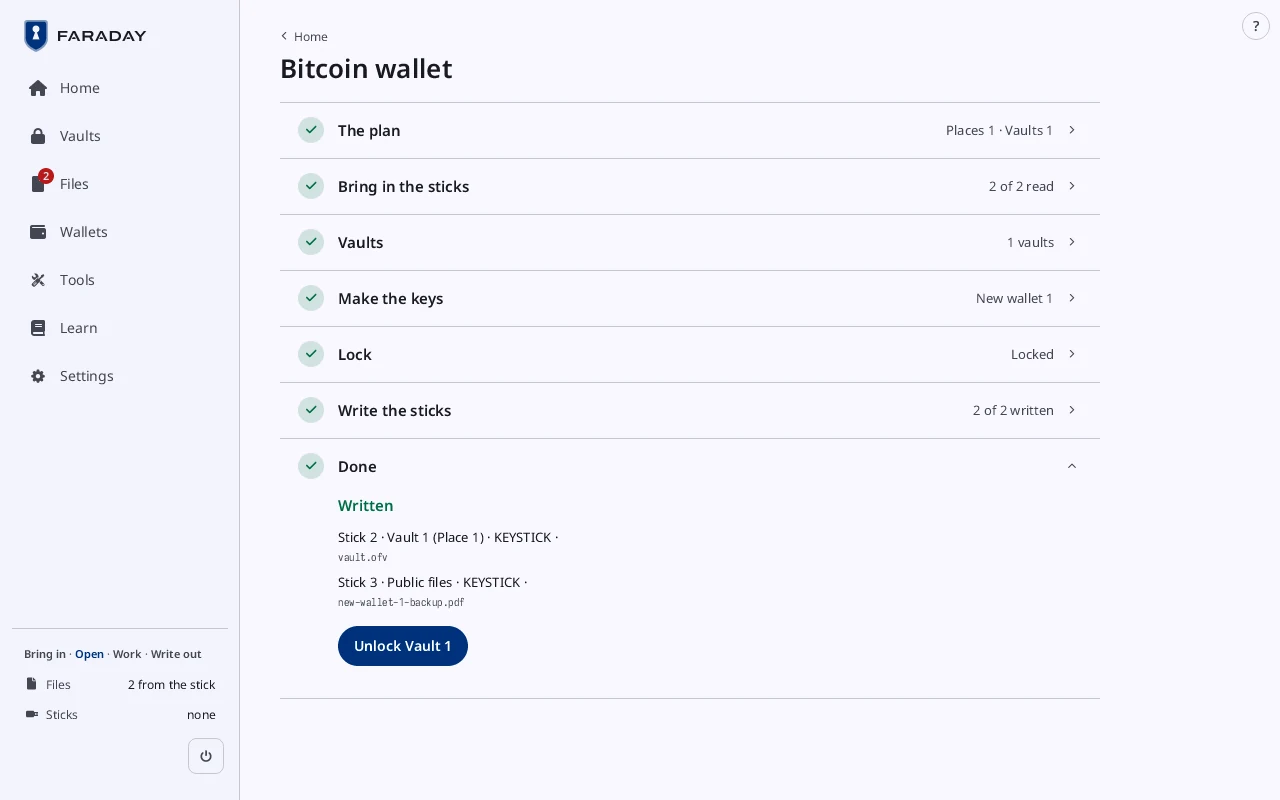
The checklist shows what is done: each seed copied by hand, then the sticks. The guide covers how Faraday checks your copy. Insert each stick; it is written and read back.
Stop 8 of 11
Signing a spend
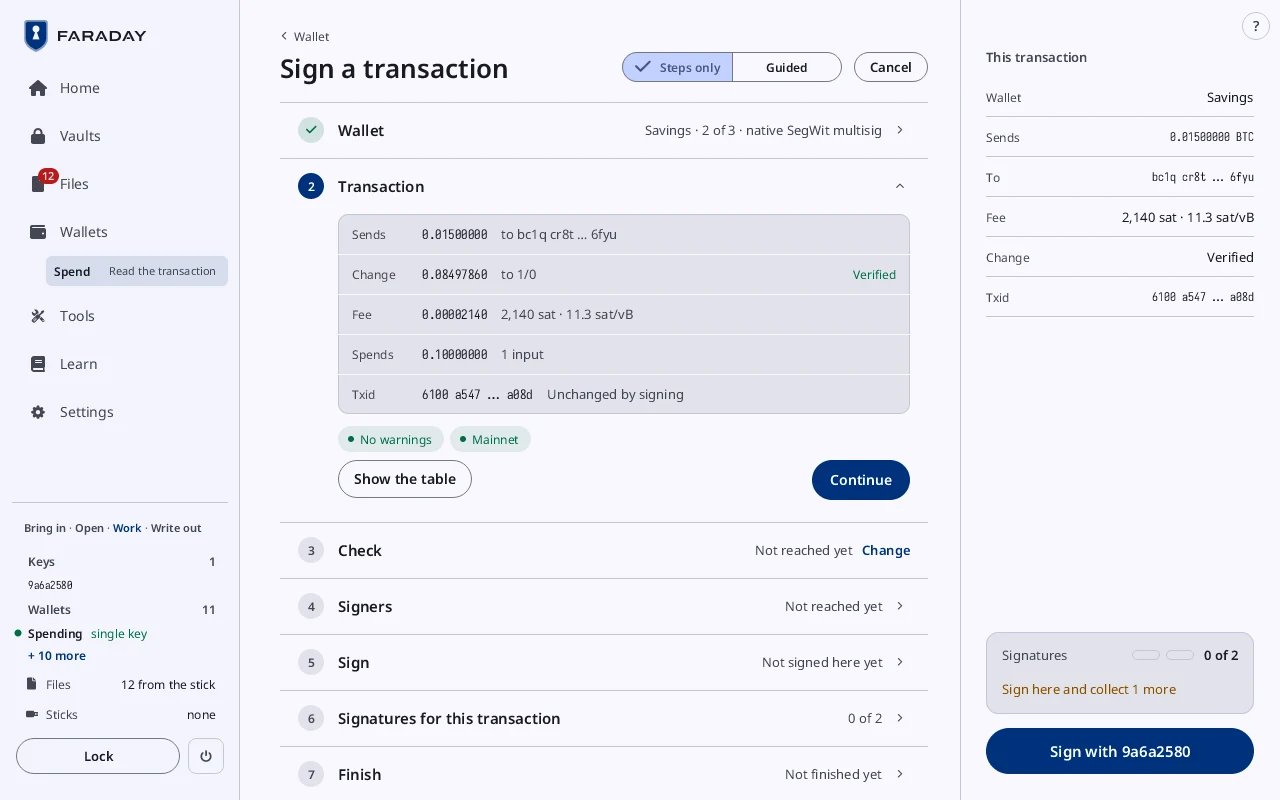
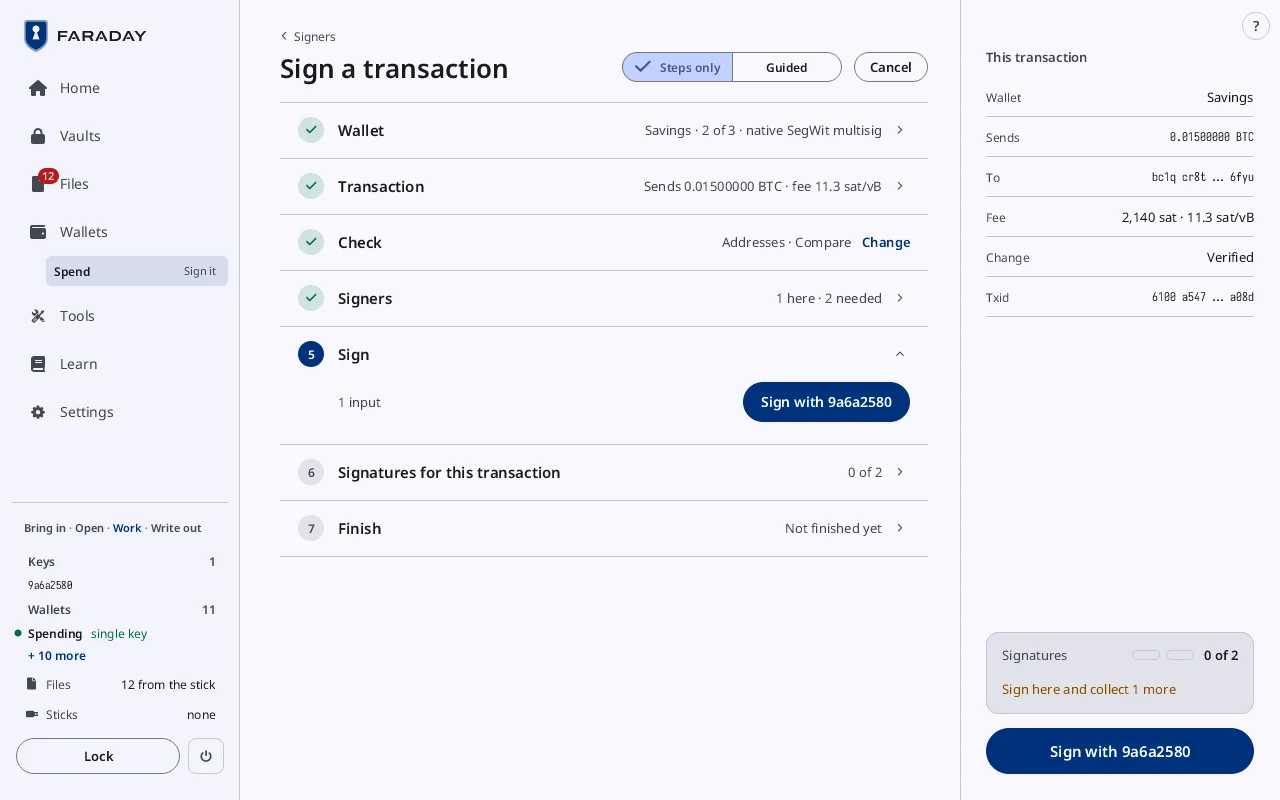
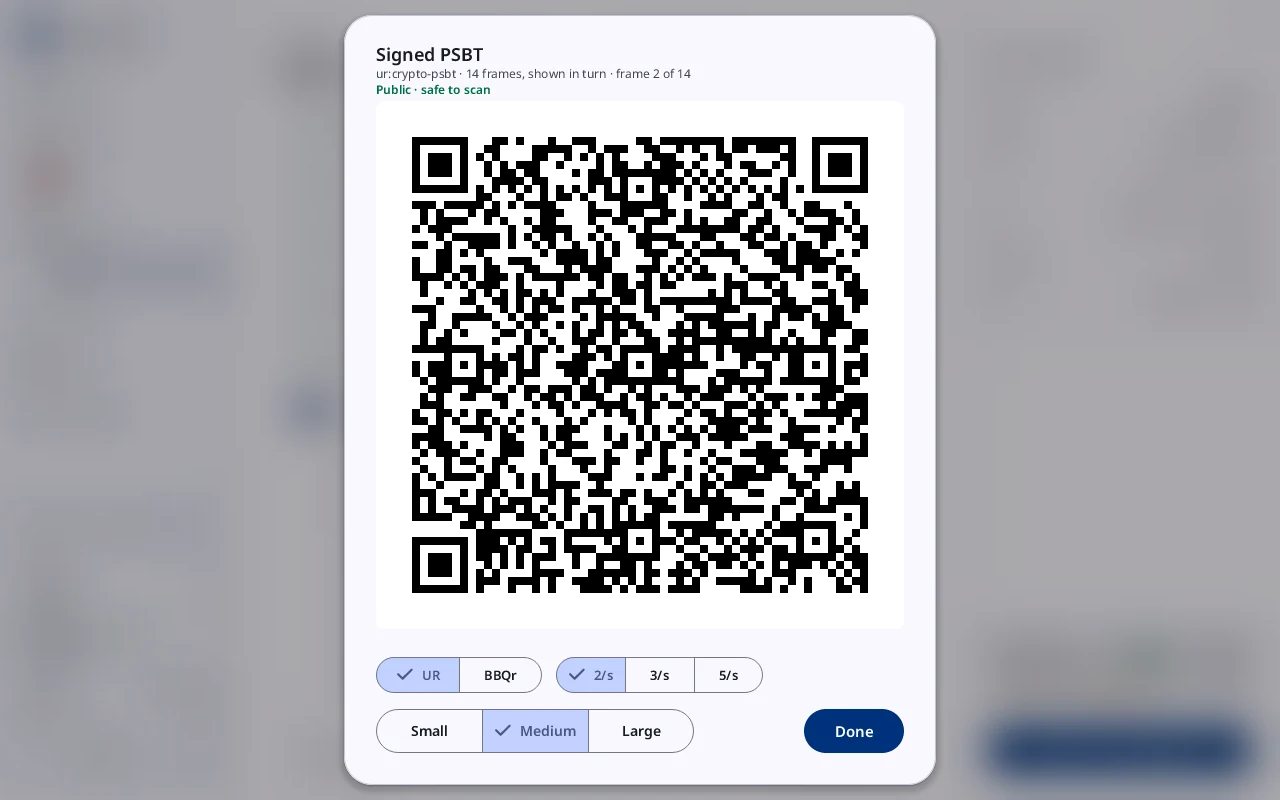
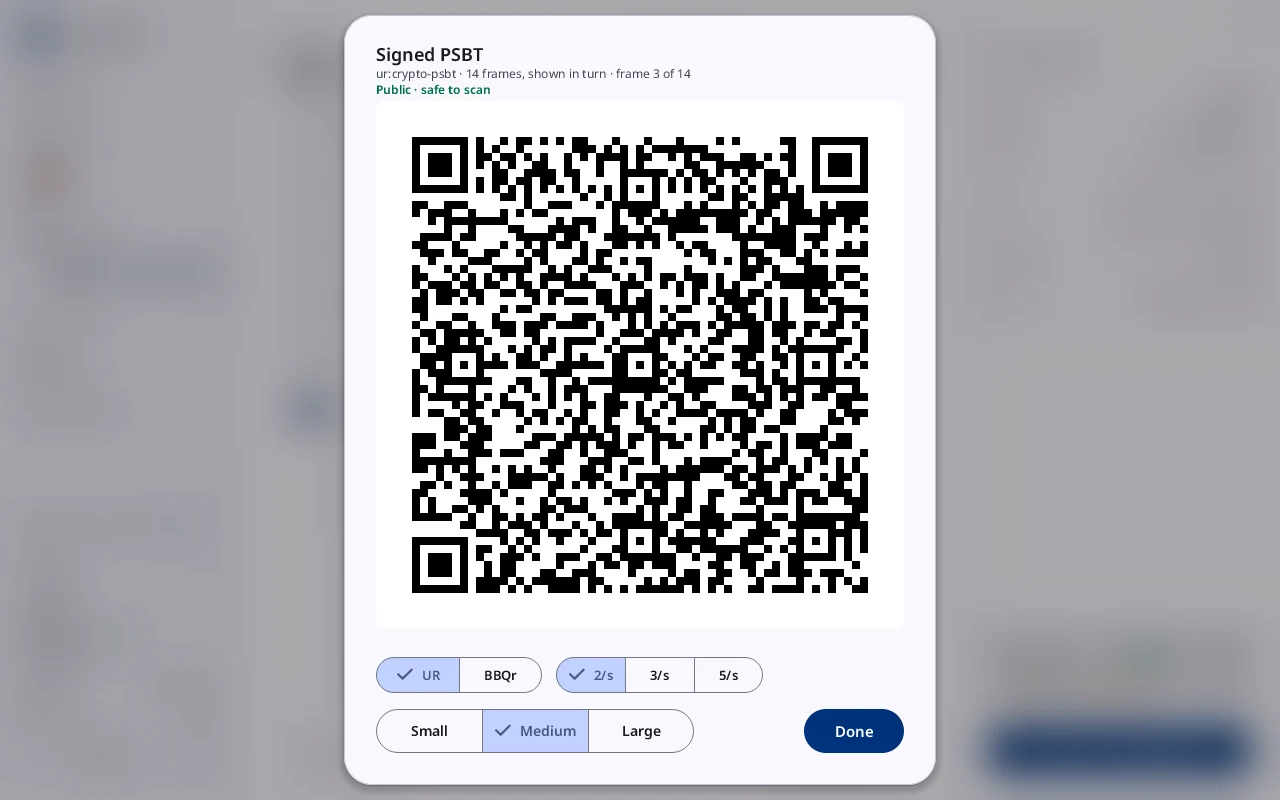
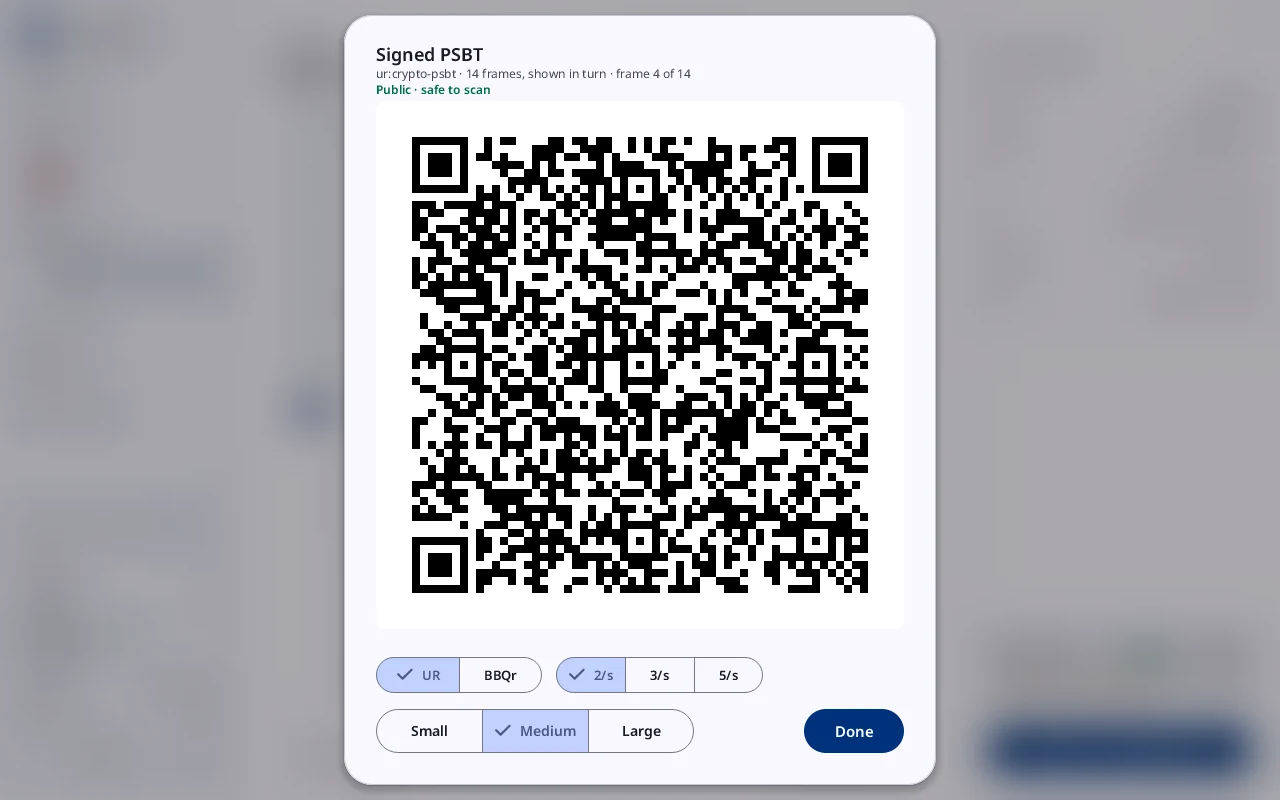
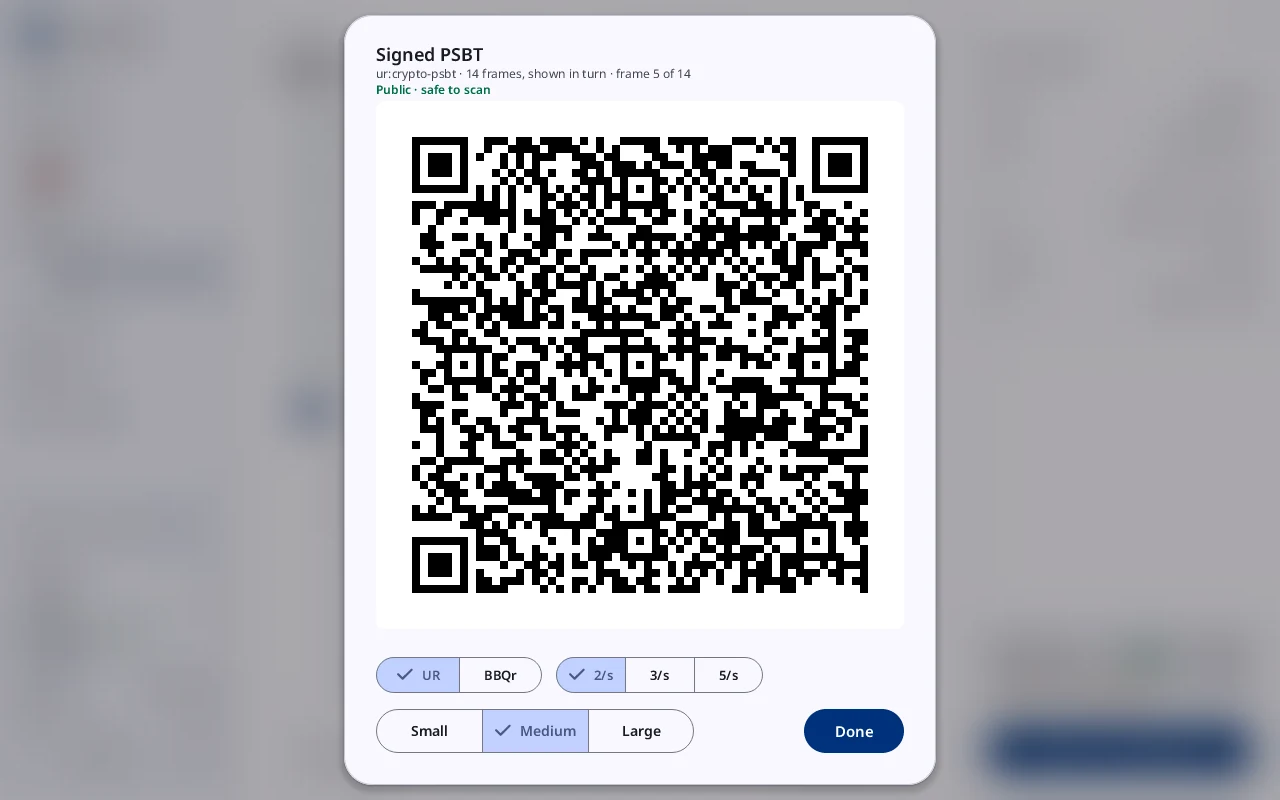
The PSBT comes in by QR code or on a stick. Faraday shows what leaves, the change and the fee. Sign. The signed PSBT goes back as an animated QR code or on the stick.
The guide covers Spend from a backup, step by step.
Stop 9 of 11
Sticks, Files and vaults
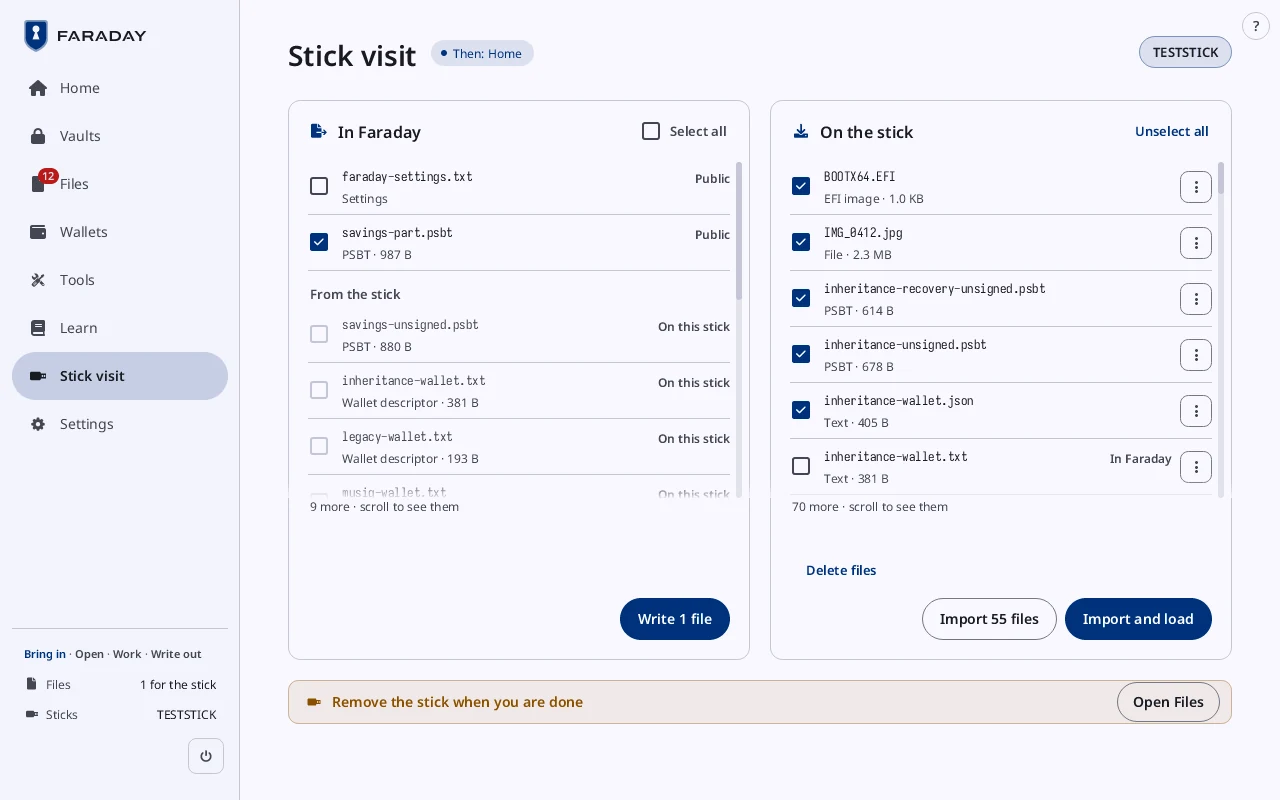
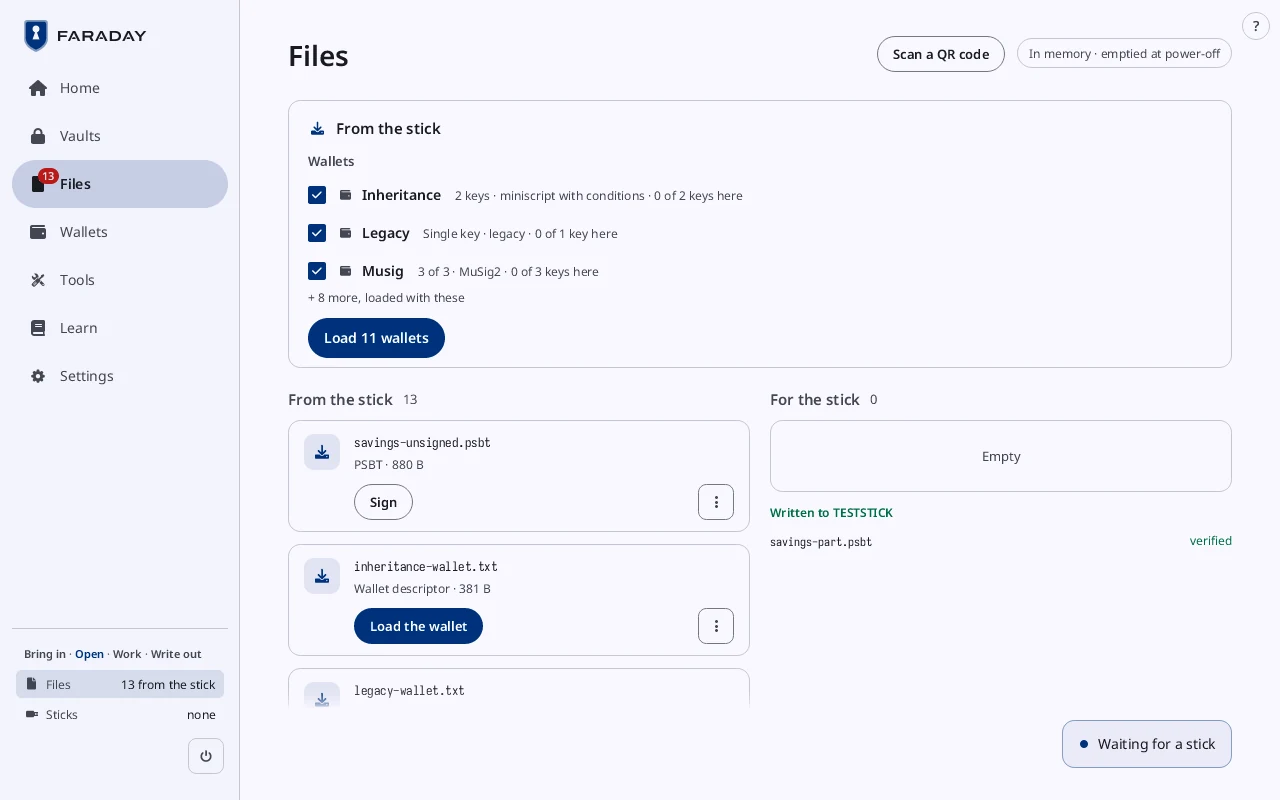
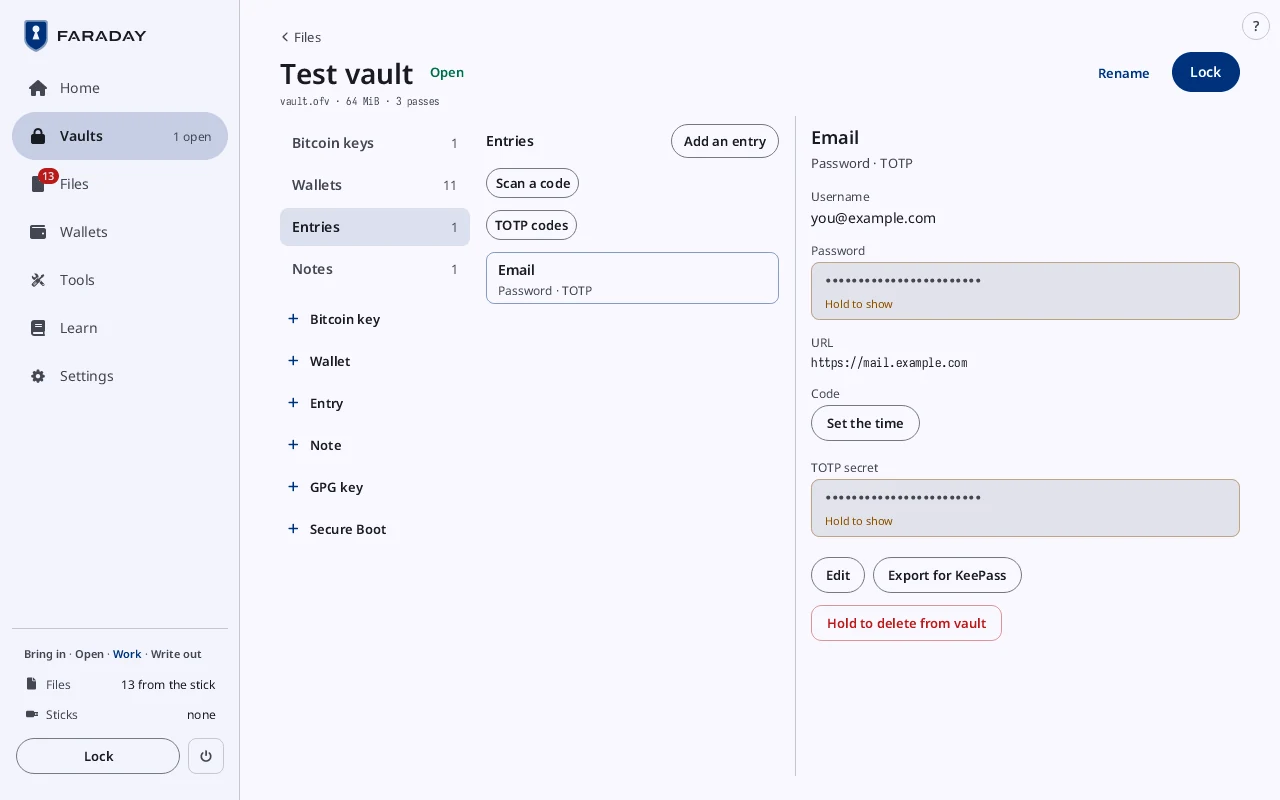
Stick visit writes files to a stick and reads them back. Files holds what came in and what goes out. A vault is one encrypted file with keys, wallets, notes and codes.
Stop 10 of 11
Restoring
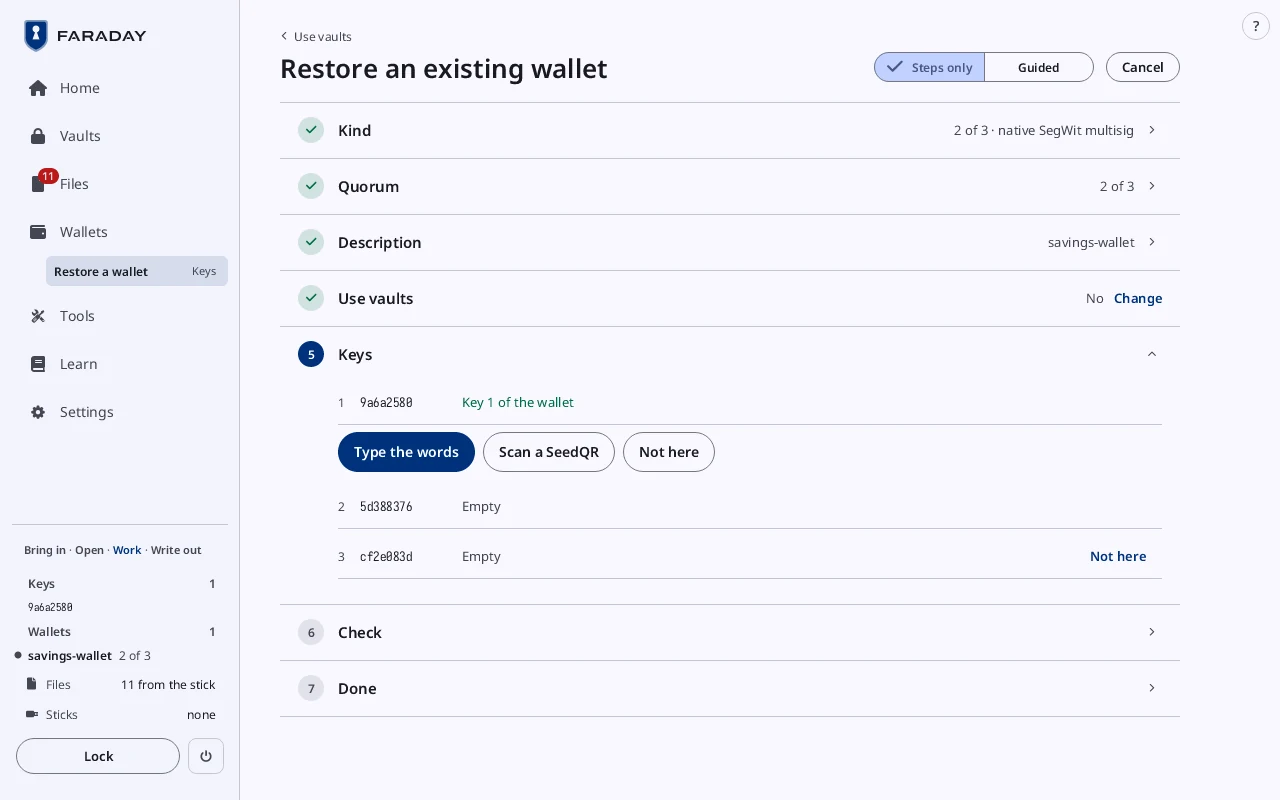
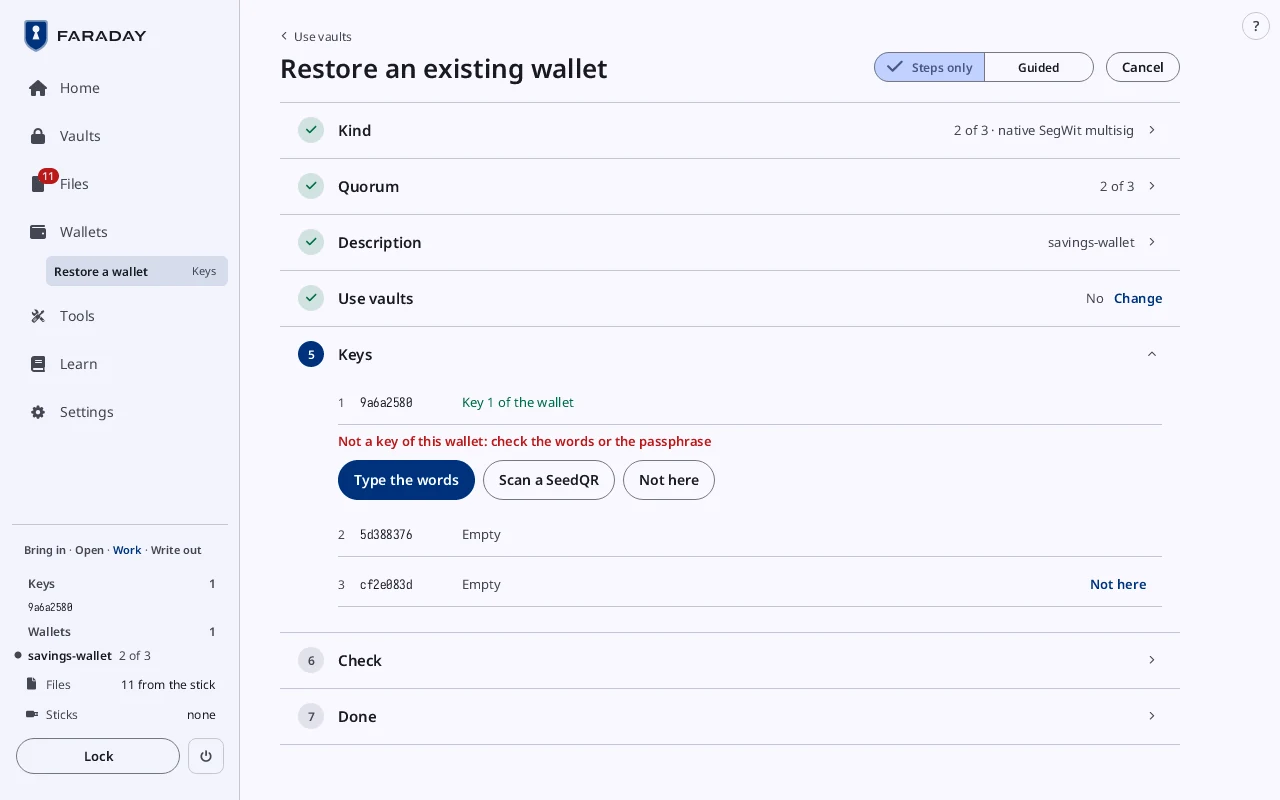
Each key of the wallet: typed, scanned or Not here. A wrong key is refused.
Stop 11 of 11
Faraday Starter
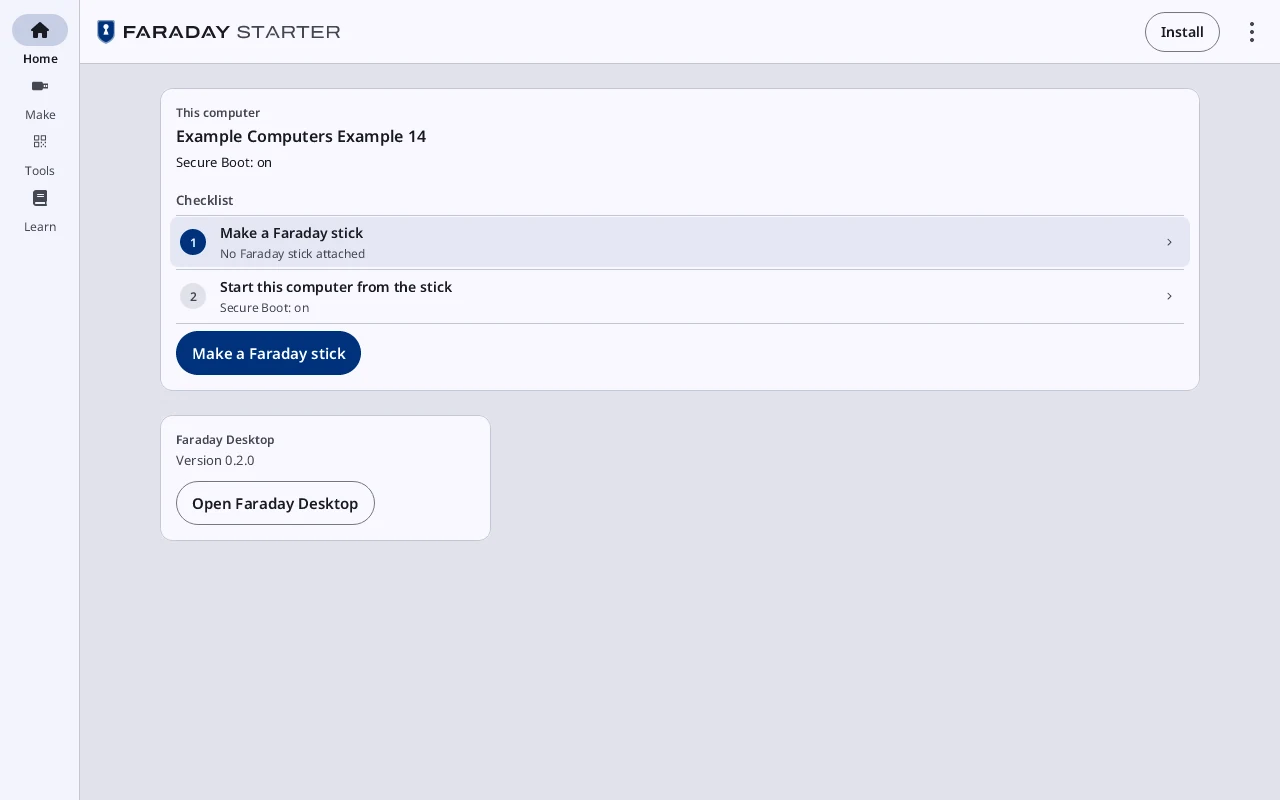
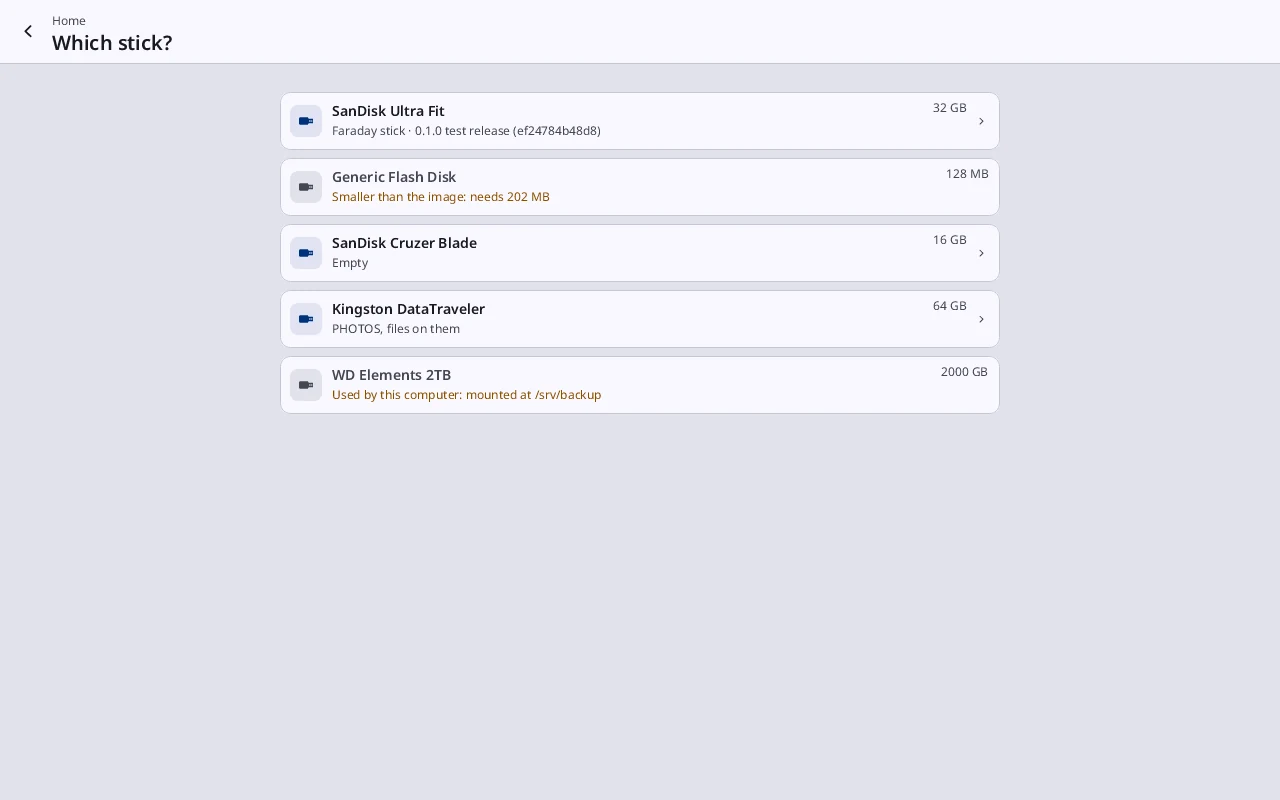
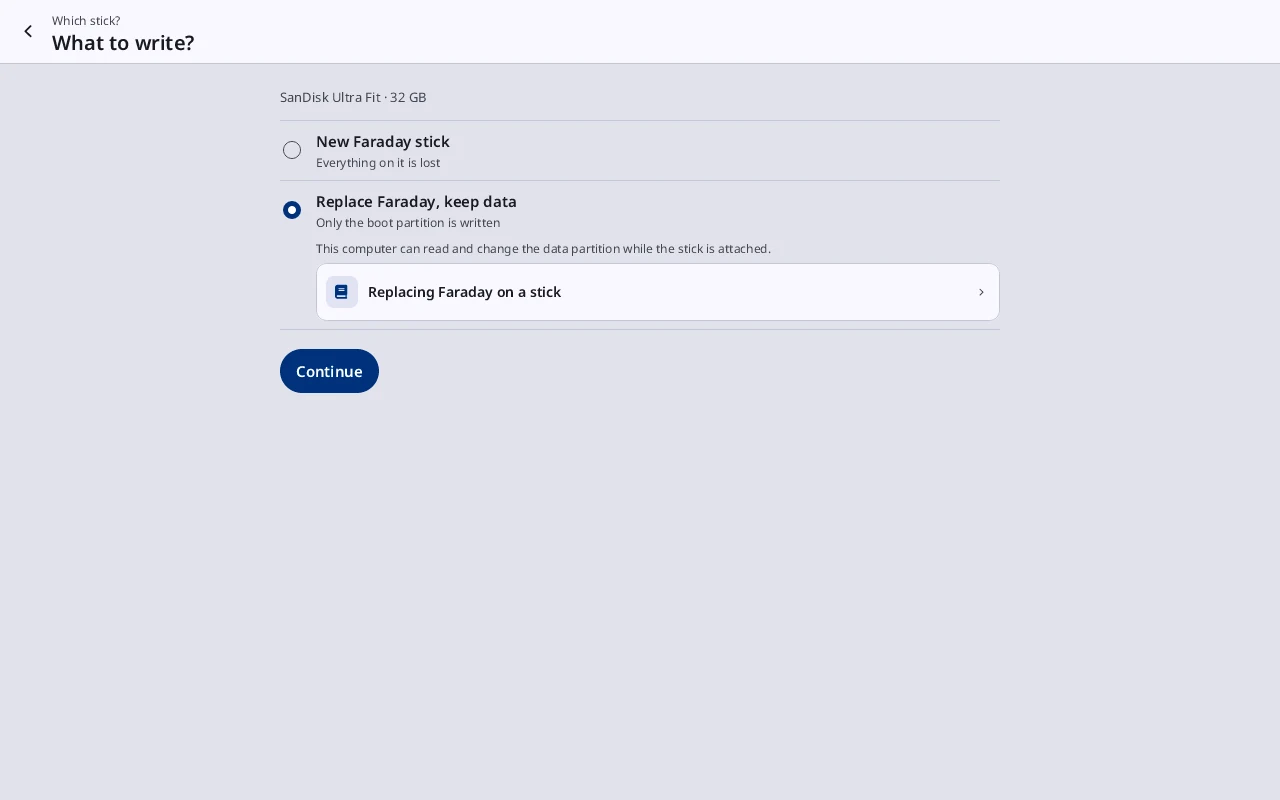
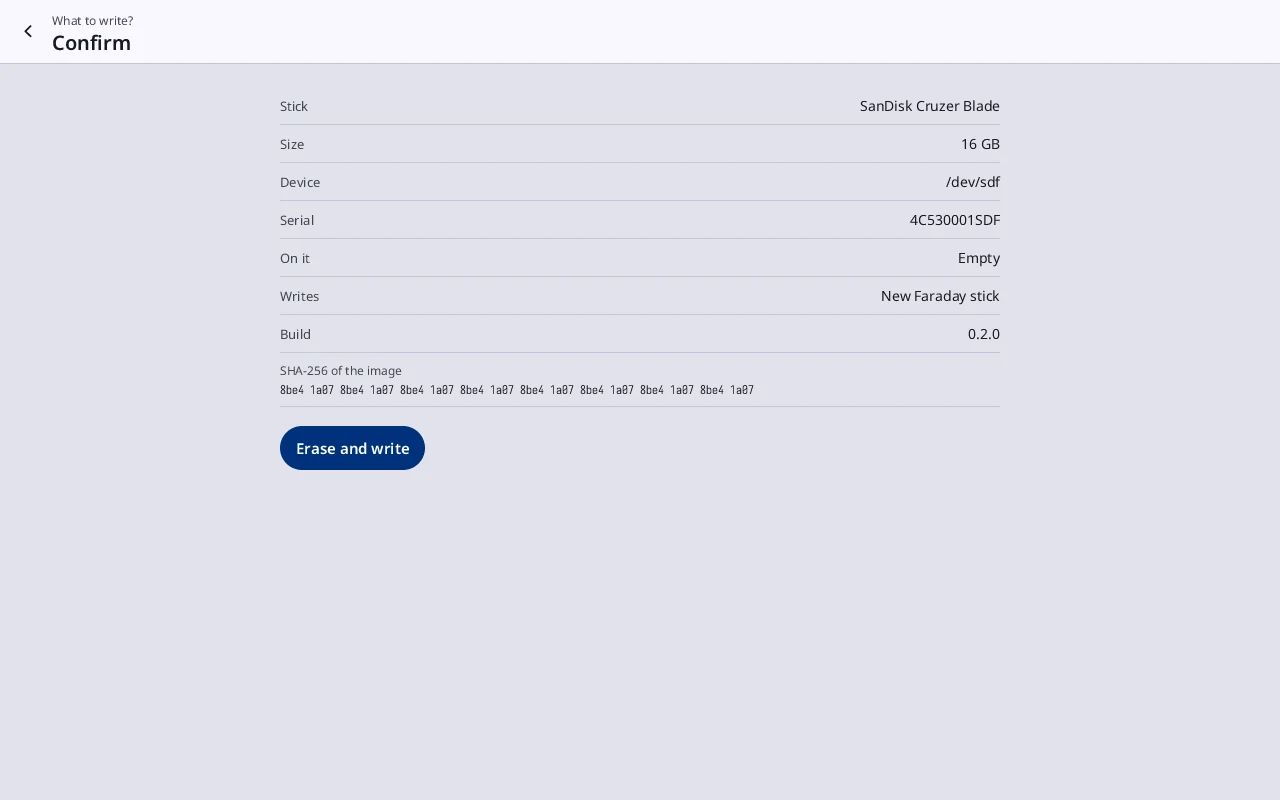
Faraday Starter runs on your everyday computer, on Linux or Windows. It writes the stick and reads it back. It walks this computer through starting from the stick and turning Secure Boot back on.
It opens Faraday Desktop, to try Faraday with sample keys or on testnet. It prints blank templates and moves files by QR code.